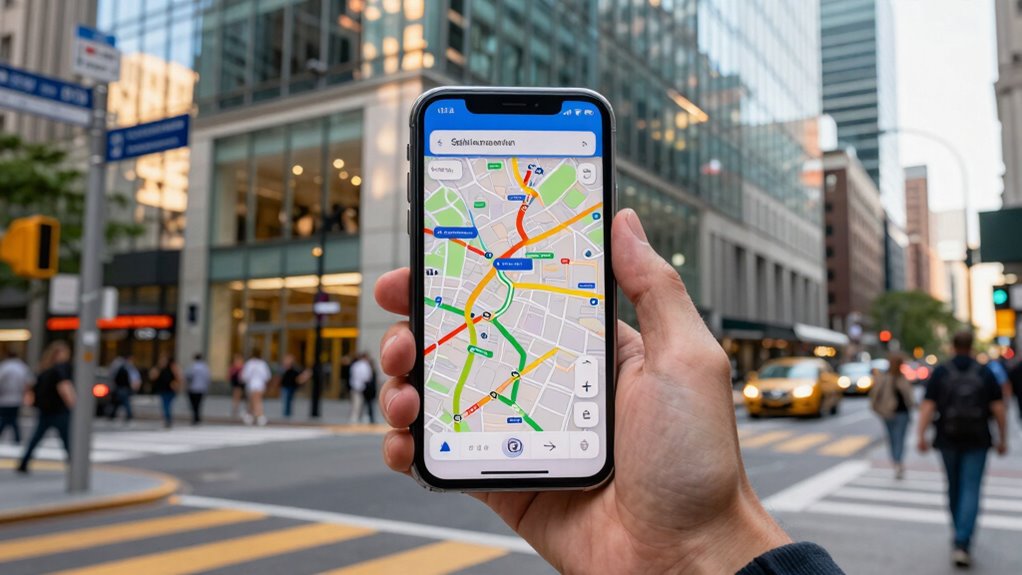

To use offline maps well, download the latest versions of your route and familiarize yourself with key landmarks and intersections before setting off. Lock the map orientation and use features like waypoints and voice guidance to stay on track. Regularly check your position against landmarks, especially in tricky environments, and keep your device charged. Practice orienting yourself offline to build confidence. Continue onwards to discover more tips for seamless navigation without relying on memory.

Get travel and outdoor gear delivered free with Prime
- Fast, free delivery on millions of items
- Prime Video, Amazon Music and more included
- Member-only deals all year
Key Takeaways
- Pre-download and update offline maps before your trip for accurate and current navigation information.
- Familiarize yourself with key landmarks and the route to verify your position without relying solely on memory.
- Use waypoints and route planning features to break down navigation into manageable segments.
- Enable real-time tracking and lock map orientation to maintain awareness of your location and direction.
- Practice navigating with offline maps in different environments to build confidence and reduce reliance on memory.
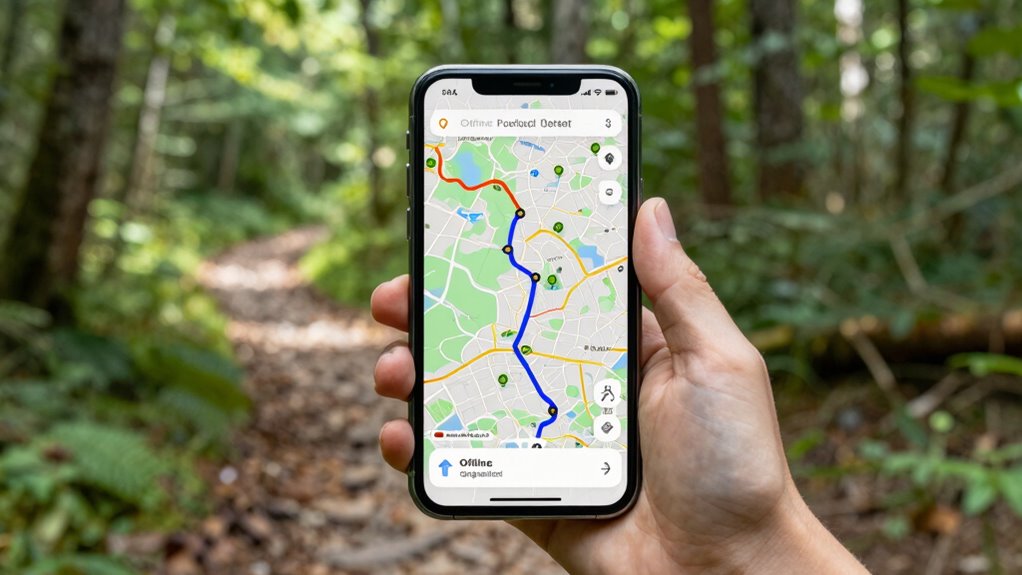
Offline maps are a valuable tool for guidance, especially when you’re traveling to areas with poor internet connectivity. Relying solely on memory or live data can lead you astray, so having an offline map downloaded beforehand guarantees you stay on track. To get the most out of offline maps, focus on understanding their GPS accuracy. While offline maps use GPS signals to pinpoint your location, their precision can vary depending on your device and the environment. In urban settings with tall buildings or dense forests, GPS signals might be less accurate, so it’s good to zoom in and check your position regularly. This way, you can correct any discrepancies before you take a wrong turn or miss your destination.
Offline maps help you stay on track when internet is scarce, but check GPS accuracy regularly in challenging environments.
Another key to using offline maps effectively is managing your device’s battery life. GPS usage can drain your battery quickly, especially if you’re guiding for hours. To prevent your device from dying at a critical moment, activate battery-saving modes and turn off unnecessary apps. Lower screen brightness and disable Wi-Fi or Bluetooth if not in use, as these can also drain power. Consider carrying a portable power bank, so you’re not caught off guard if your battery runs low. Planning ahead by preloading the map area you’ll be traveling through helps you avoid continuous data downloads, which can be a drain on your device’s resources. Additionally, understanding the GPS accuracy of your offline maps can help you interpret your location more precisely in challenging environments. Regularly updating your maps ensures you have the latest road changes and new landmarks, which is critical for accurate navigation. Familiarizing yourself with the available features of your map app can also enhance your navigation experience by utilizing tools like route planning or voice guidance.
Make sure your offline maps are well-updated before you start your journey. Outdated maps might lack recent road changes or new landmarks, which could lead to confusion. When you plan your route, take a moment to familiarize yourself with key landmarks and intersections. This will help you verify your position even if GPS accuracy isn’t perfect. It’s also beneficial to study your route beforehand to recognize potential obstacles or tricky turns. This will help you verify your position even if GPS accuracy isn’t perfect. It’s also wise to set waypoints along your route, so you can easily check your progress and guarantee you’re heading in the right direction. Having the map orientation locked north-up or tracking your movement in real-time will give you a clearer picture of where you are and where you’re going.
Finally, practice using your offline maps before you travel. Spend some time exploring your downloaded maps, testing how they respond to different environments. This will boost your confidence and reduce stress when you’re guiding unfamiliar territory. When you combine good GPS accuracy, careful battery management, and familiarity with your offline maps, you’ll find that you can guide confidently without relying on your memory alone. This approach makes your journey smoother, safer, and more enjoyable.
As an affiliate, we earn on qualifying purchases.
Frequently Asked Questions
Can Offline Maps Work Without an Internet Connection?
Yes, offline maps work without an internet connection once you’ve downloaded the necessary data. You can customize your map by selecting specific areas, which helps reduce battery consumption. This way, you avoid unnecessary data use and extend your device’s battery life while orienting yourself. Make sure to update your offline maps regularly, especially if you plan to use them in unfamiliar areas, ensuring you have the latest routes and information at your fingertips.
How Do I Update Offline Map Data Regularly?
Sure, you can update offline map data regularly—just follow the map update procedures! To do this, open your navigation app, go to settings, and find the map update section. Make sure you’re connected to Wi-Fi, then sync offline data to keep it fresh. This way, you’ll avoid the hilarious chaos of outdated routes and confidently navigate knowing your offline maps are as current as your sense of direction.
Are Offline Maps Accurate in Remote Areas?
Offline maps can be quite accurate for remote navigation, especially if you update their data regularly. However, in very isolated areas, map accuracy might decrease due to limited updates or outdated information. To guarantee reliable navigation, always double-check your route with physical maps or GPS signals when possible. Remember, offline maps are a helpful backup, but for critical trips, combining them with other navigation tools boosts your confidence and safety.
What Devices Support Offline Map Downloads?
Many devices support offline map downloads, including smartphones, tablets, and dedicated GPS units. You can customize maps on these devices for offline navigation, ensuring you have the details you need without an internet connection. Popular options like smartphones with apps such as Google Maps or Maps.me allow you to download specific areas, customize map layers, and navigate offline seamlessly, making sure you’re prepared even in remote areas.
How Much Storage Space Do Offline Maps Typically Require?
Offline maps usually require between 100MB to several gigabytes of map storage, depending on the area’s size and detail. Data compression helps reduce the storage needed without losing quality, making it easier for you to download larger regions. Keep in mind, the more detailed the map, the more storage space it consumes. So, plan your device’s storage accordingly to guarantee smooth navigation without running out of space.
portable power bank for smartphones
As an affiliate, we earn on qualifying purchases.
As an affiliate, we earn on qualifying purchases.
Conclusion
So, next time you’re lost without Wi-Fi, don’t pretend you remember every twist and turn. Just pull out your offline map, pretend you’re a tech wizard, and enjoy the thrill of steering like it’s 1995. Who needs a sense of direction when you have a trusty app? Embrace your inner explorer—minus the embarrassment—and let offline maps do the heavy lifting. After all, it’s only embarrassing if you get caught asking for directions!
As an affiliate, we earn on qualifying purchases.
smartphone screen brightness reducer
As an affiliate, we earn on qualifying purchases.
As an affiliate, we earn on qualifying purchases.
Fall Picks
fall essentials
As an affiliate, we earn on qualifying purchases.