
Smartphone gimbals are helpful tools that can greatly improve your video stability, making your footage look professional with less effort. They’re lightweight, portable, and easy to use, perfect for capturing smooth videos on the go. However, they do add to your gear to carry and require charging, which can be inconvenient for long shoots. If you want to know how to get the most out of your gimbal, keep exploring.

Get travel and outdoor gear delivered free with Prime
- Fast, free delivery on millions of items
- Prime Video, Amazon Music and more included
- Member-only deals all year
Key Takeaways
- Gimbals significantly improve video stability, making footage look more professional with minimal effort.
- They are portable and convenient, suitable for on-the-go filming and social media content.
- Additional accessories and batteries can increase charging needs and overall gear to carry.
- Proper maintenance and setup are essential to maximize stabilization and device lifespan.
- Weighing the benefits against potential inconveniences helps determine if a gimbal suits your lifestyle.
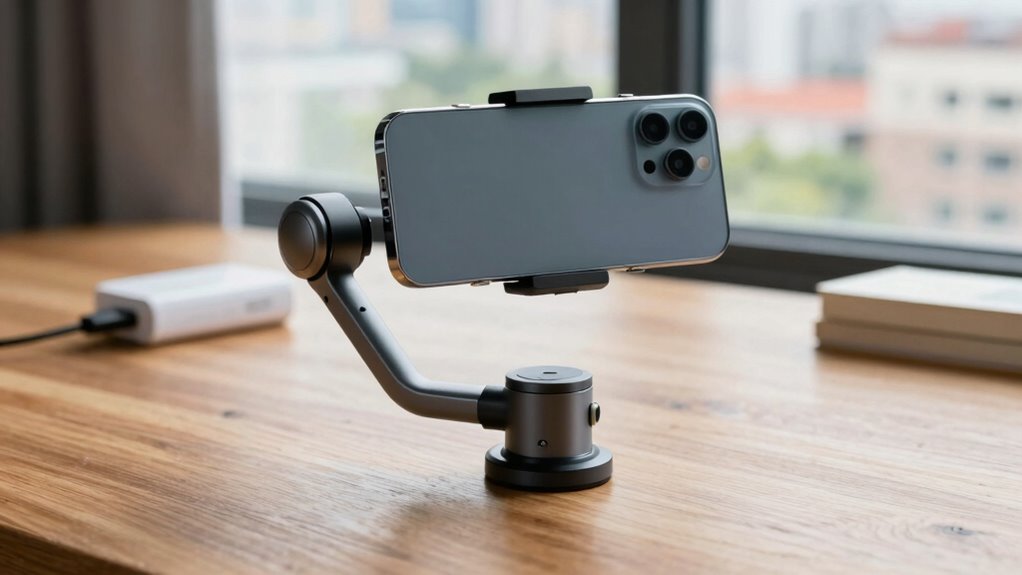
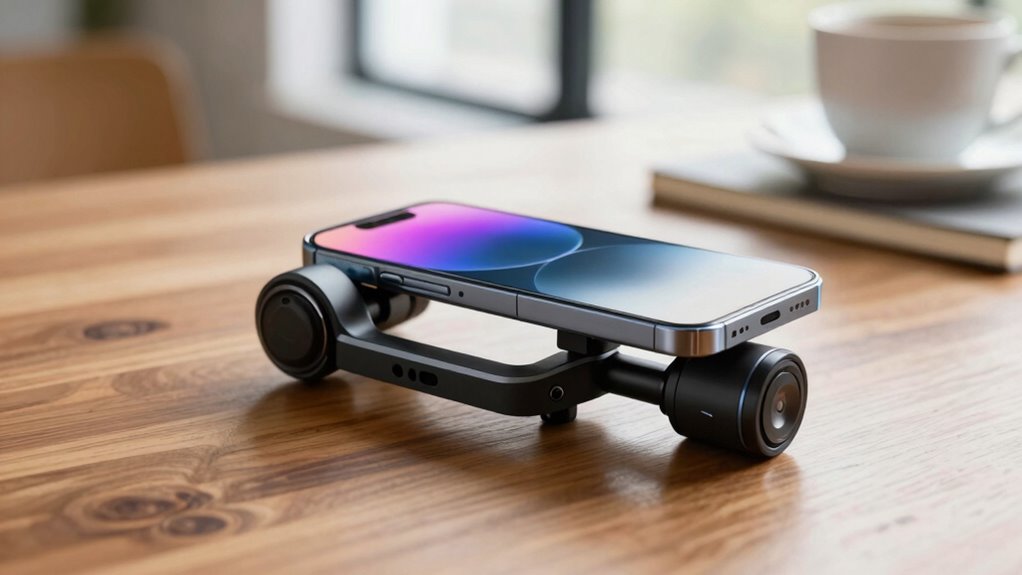
Have you ever tried to capture smooth, professional-looking videos with your smartphone only to be disappointed by shaky footage? If so, you’re not alone. Handheld videos often suffer from instability, making your footage look amateurish and hard to watch. That’s where smartphone gimbals come into play. These handy devices are designed to enhance camera stabilization, allowing you to record steady, cinematic videos with minimal effort. They work by counteracting your hand movements in real time, keeping your phone level and smooth regardless of how much you shake or move.
Smartphone gimbals stabilize shaky footage for smooth, professional-looking videos with minimal effort.
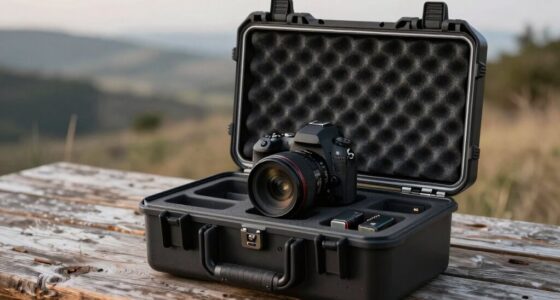
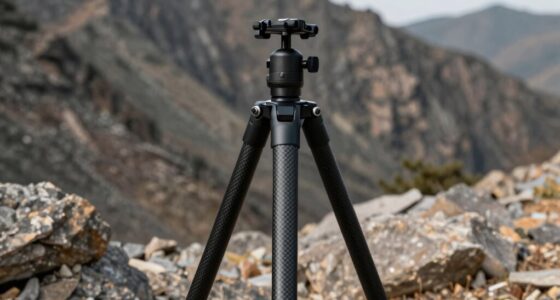
Many people see smartphone gimbals as helpful tools that elevate their content quality. They’re especially popular among vloggers, travelers, and social media enthusiasts who want professional-looking footage without investing in bulky, expensive equipment. What makes these devices even more appealing is their portability. Most smartphone gimbals are lightweight and compact, fitting easily into a bag or pocket so you can take them anywhere. Plus, many come with portable accessories like extension poles, tripod mounts, or even detachable handles, giving you versatile options for different shooting scenarios.
However, the convenience of portable accessories can sometimes feel like a double-edged sword. While they make your setup more flexible, they also add to the number of things you need to carry and charge. It’s worth considering whether you’ll actually use these extras often or if they’ll end up collecting dust. Charging can also become a concern, especially if you’re out for an extended period. You’ll need to remember to keep your gimbal’s battery topped up, and some models require separate power sources or additional batteries. This can be a hassle if you’re trying to keep your gear minimal. Additionally, understanding gimbal stabilization and how it improves footage can help you make a more informed decision about investing in one. Having knowledge about cable management and proper setup can also prolong your device’s lifespan and ensure consistent performance. Knowing how to handle battery life effectively is essential to prevent unexpected interruptions during filming sessions. Furthermore, considering device maintenance can help ensure your gimbal remains in optimal condition over time.
Despite these potential inconveniences, many users find that the benefits outweigh the drawbacks. A good smartphone gimbal can dramatically improve your camera stabilization, making your videos look more polished and professional. It’s a device that enables you to focus on your content rather than fighting with shaky footage. Still, it’s smart to evaluate whether the added weight, the need for charging, and extra accessories fit your lifestyle and shooting habits. If you’re serious about elevating your video game, a smartphone gimbal can be a worthwhile investment. But if you prefer to keep things simple, remember that you can still achieve decent stabilization with steady hands and careful shooting.
As an affiliate, we earn on qualifying purchases.
Frequently Asked Questions
Are Smartphone Gimbals Compatible With All Phone Models?
Most smartphone gimbals are compatible with a wide range of phone models thanks to adjustable clamps and flexible design. You should check each gimbal’s specifications for mobile compatibility, especially if you have a larger or irregularly shaped device. Camera stabilization is their primary function, and they work best when they fit securely. Always verify compatibility to guarantee smooth operation and peak performance for your specific phone.
How Long Does the Battery Typically Last on a Gimbal?
Like a trusty steed, a good gimbal’s battery lifespan typically ranges from 8 to 12 hours of continuous use. You’ll need to keep an eye on your charging frequency, as it varies based on usage and model. To keep filming smooth, charge it overnight or during breaks. Remember, a well-charged gimbal ensures your shots stay steady, so don’t let low battery catch you off guard during important moments.
Can Gimbals Be Used Underwater or in Rain?
You can’t use most gimbals underwater or in heavy rain because they lack waterproof features. While some models offer rain resistance, this protection is limited to light splashes or brief exposure. If you plan to shoot in challenging weather, look for gimbals specifically designed with waterproof or water-resistant features. Otherwise, exposing standard gimbals to water or heavy rain could damage the device and ruin your footage.
Do Gimbals Require Calibration Before Each Use?
You don’t need to calibrate your gimbal before every use, but regular calibration helps maintain peak performance, especially if you notice shaky footage. Check the calibration frequency recommended by the manufacturer—some suggest monthly or after significant impacts. Also, keep up with battery maintenance by charging it properly and avoiding over-discharge, which guarantees your gimbal stays ready whenever you need it. Proper care helps extend its lifespan and reliability.
Are There Any Safety Concerns With Balancing a Phone on a Gimbal?
Balancing your phone on a gimbal generally isn’t unsafe if you follow proper procedures. Focus on mechanical stability to prevent your phone from slipping or falling, and guarantee the gimbal’s weight distribution is correct. Be mindful of battery safety—avoid overusing or exposing the gimbal to extreme temperatures. If you handle it carefully, balancing a phone on a gimbal is safe and enhances your filming experience.
portable smartphone tripod mount
As an affiliate, we earn on qualifying purchases.
As an affiliate, we earn on qualifying purchases.
Conclusion
Smartphone gimbals can transform your videos, making shaky footage a thing of the past. With over 80% of users reporting smoother shots, it’s clear they’re more than just an extra gadget—they’re a game-changer. While they do add to your charging routine, the professional-quality results make it worth the effort. If you want your content to stand out, investing in a gimbal might just be the upgrade you need to elevate your storytelling.
As an affiliate, we earn on qualifying purchases.
As an affiliate, we earn on qualifying purchases.
Halloween Picks
halloween
As an affiliate, we earn on qualifying purchases.