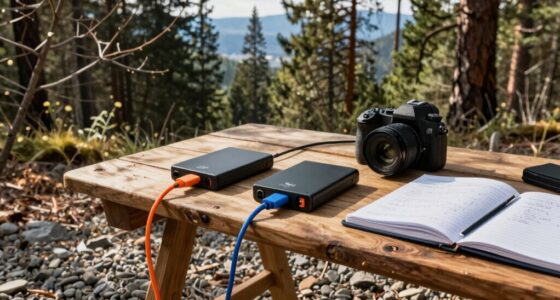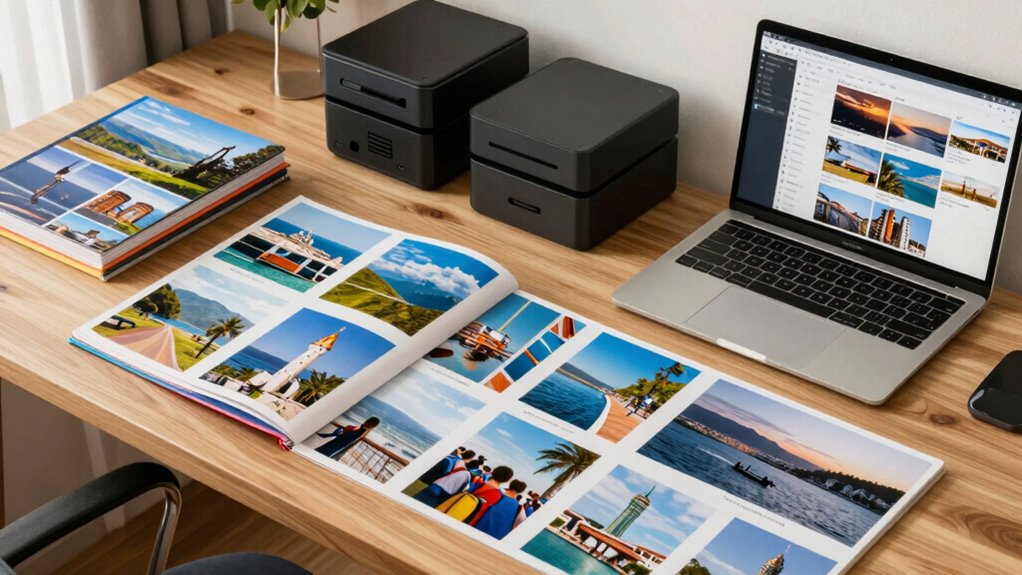

To organize your travel photos for easy retrieval, start by choosing a system that fits your habits—folders, tags, or apps. Create a clear folder structure based on trips or dates, and add relevant labels like location or event. Use tags for quick searching and consider photo apps with automatic organization features. Regularly updating and backing up your collection keeps everything safe and manageable. Keep exploring for more tips to streamline your travel photo organization.

Get travel and outdoor gear delivered free with Prime
- Fast, free delivery on millions of items
- Prime Video, Amazon Music and more included
- Member-only deals all year
Key Takeaways
- Use a clear folder system with trip-specific names and chronological order for easy navigation.
- Apply relevant keywords and consistent tags like location or event for quick searchability.
- Backup photos regularly on external drives or cloud services to prevent data loss.
- Leverage photo apps with automatic tagging, editing, and sharing features to streamline organization.
- Incorporate printed albums or canvases to create tangible memories and motivate ongoing organization.
external hard drive for photo backup
As an affiliate, we earn on qualifying purchases.
As an affiliate, we earn on qualifying purchases.
Feeling Overwhelmed by Travel Photos? Here’s How to Organize Them Effortlessly

Travel photos can quickly pile up, leaving you feeling overwhelmed and unsure where to start. To prevent losing precious memories, prioritize photo backup by saving copies on external drives or cloud services. This backup strategy ensures your photos stay safe even if your device fails. Once backed up, consider your printing options—whether creating photo albums, prints, or canvases—to bring your memories to life. Printing offers a tangible way to enjoy your trip highlights, and it can motivate you to organize your collection systematically. Starting with a clear organization system helps streamline the process and makes future photo management easier. Begin by selecting your favorite shots, backing them up securely, and then deciding how you’d like to display or store them. Additionally, understanding color accuracy can help you select the best images for printing, ensuring your printed photos truly reflect the original colors. Utilizing metadata management tools can further simplify sorting and locating specific images later on. Incorporating digital asset management techniques can also assist in maintaining a well-structured photo library. Taking these initial steps makes managing your travel photos less intimidating and keeps your memories accessible and preserved.
photo organization app with tagging
As an affiliate, we earn on qualifying purchases.
As an affiliate, we earn on qualifying purchases.
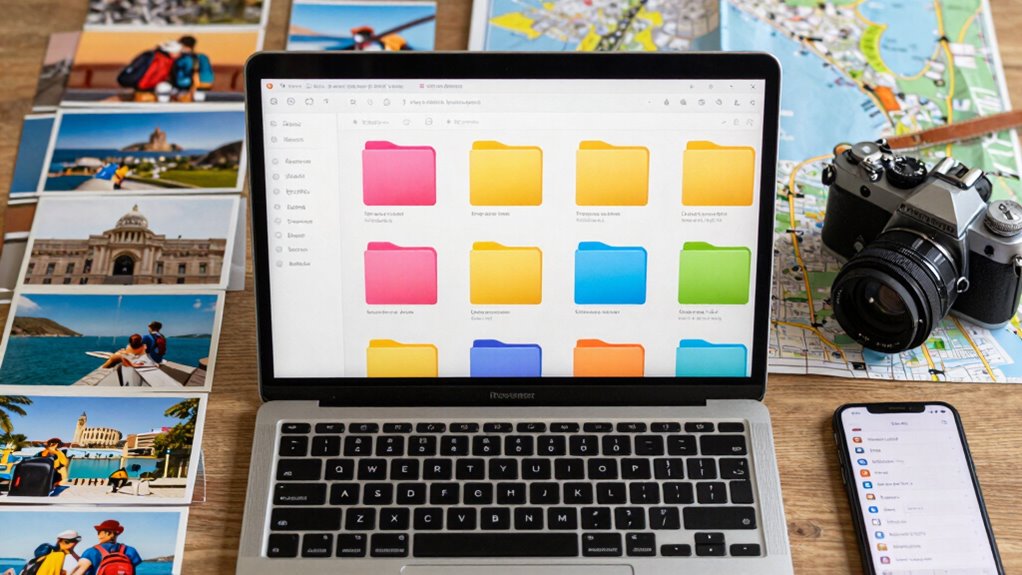
Choosing the right method to organize your travel photos can make a big difference in how easily you find and enjoy your memories later. Decide whether you prefer folders, tags, or apps based on your habits. Folders offer a straightforward way to categorize trips, making digital photo backups simple and organized. Tags add flexibility, allowing you to label photos by location, activity, or date, which helps when sharing travel photos with friends or family. Apps can automate much of the process, syncing your images across devices and providing search features. Consider how you want to access and share your photos later. The key is choosing a system that’s easy to maintain, keeps your backups safe, and makes sharing travel photos quick and effortless. Additionally, understanding passive voice detection related to time and memories can inspire creative ways to categorize and reflect on your travel experiences, leveraging digital memory organization to enhance your reminiscing process. An effective organization system can also help reduce the stress of searching through countless images when you want to relive a special trip.
As an affiliate, we earn on qualifying purchases.
Create a Simple, Logical Folder System Based on Your Trips
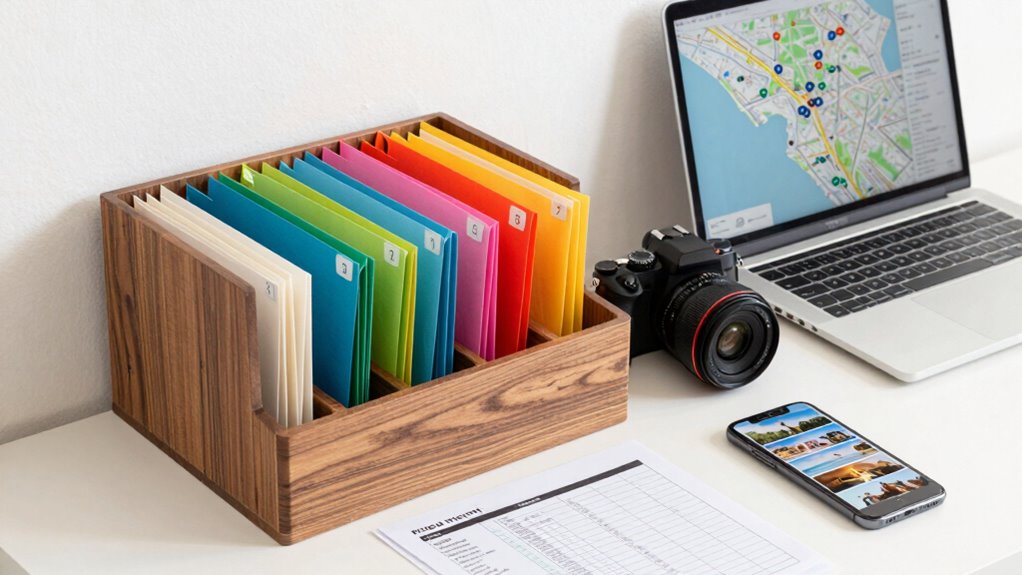
Creating a straightforward folder system based on your trips helps you stay organized and find photos quickly. Use trip-specific naming to label each folder clearly, like “Paris 2023” or “Hawaii Summer 2022,” so you instantly recognize the trip. Organize within each folder by chronological sorting, placing photos in the order you took them. This method guarantees you can easily follow your journey’s timeline.
Consider these tips:
- Name folders with trip destination and date for quick recognition
- Use consistent naming conventions for ease
- Arrange photos chronologically within each folder
- Keep folder names simple and descriptive to evoke emotion and memory
This system makes reliving your adventures effortless and keeps your memories beautifully organized.
digital asset management software
As an affiliate, we earn on qualifying purchases.
As an affiliate, we earn on qualifying purchases.
Label and Tag Your Photos for Quick Search and Easy Access
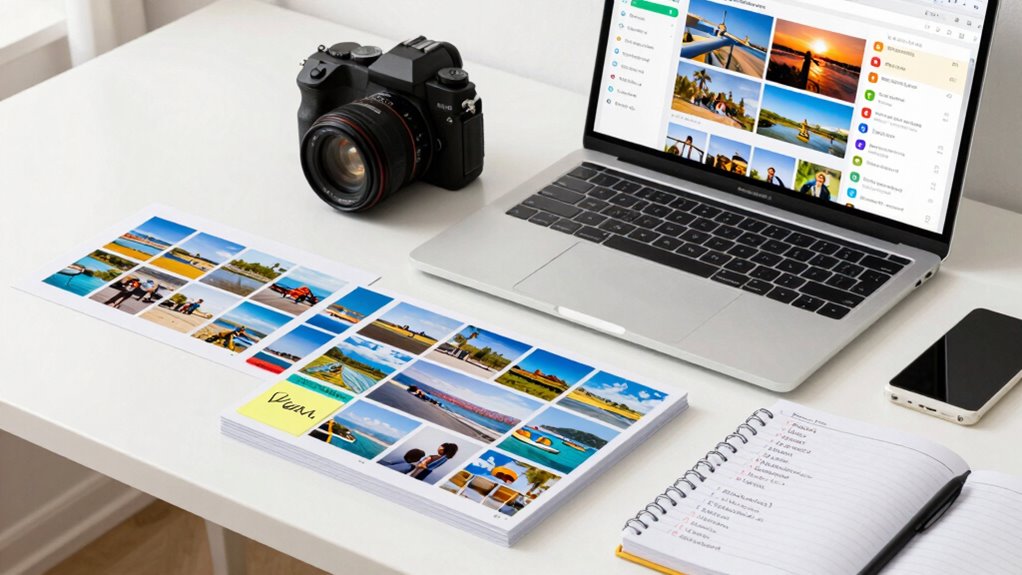
Once you’ve organized your photos into clear, trip-specific folders, adding labels and tags can make finding specific images even faster. Effective metadata management involves applying relevant keywords to each photo, enhancing searchability. Use descriptive labels like location, event, or date to optimize your keyword strategy. You can also develop a consistent tagging system that helps streamline your search process. When you need a photo of your Paris sunset, you can search “Paris sunset” instead of scrolling through countless images. To make this easier, consider a simple tagging system:
| Label/Tag | Description |
|---|---|
| Location | City, landmark |
| Event | Birthday, festival |
| Date | Year, specific date |
| People | Names or groups |
Using these tags consistently boosts keyword optimization and ensures quick access whenever needed. Additionally, incorporating water-related themes into your tags can help if your trip involved water parks or aquatic activities. Implementing metadata best practices can further improve your photo organization system, making your entire collection more manageable and accessible. For example, adding consistent naming conventions ensures that similar photos are grouped logically during searches. Incorporating photo editing and enhancement techniques can also improve the visual appeal and clarity of your images, making it easier to identify specific moments later.
Use Photo Apps and Keep Your Collection Up to Date
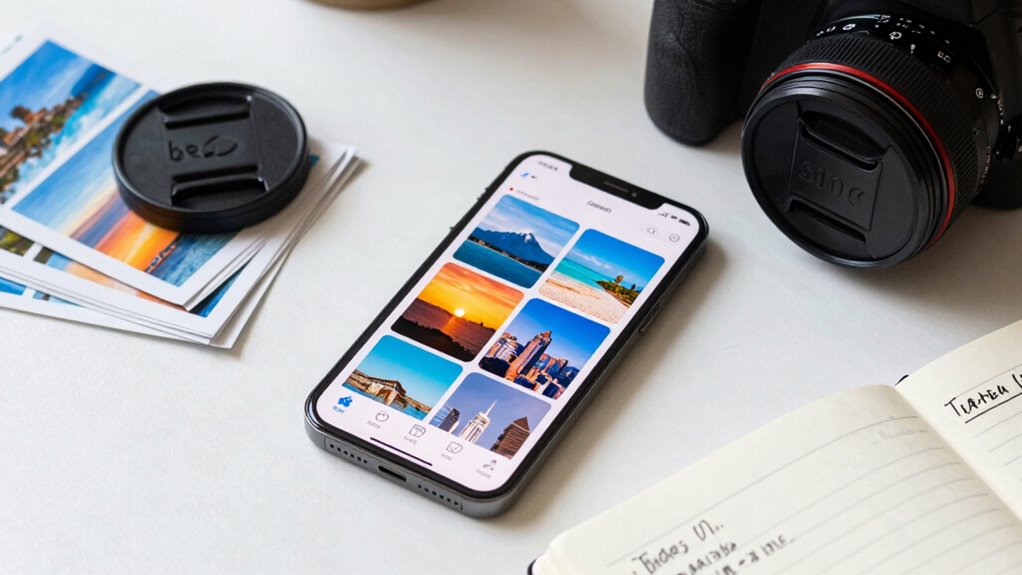
To keep your travel photo collection organized and accessible, it’s essential to use photo apps that suit your needs. Look for apps with features like automatic tagging, easy editing, and seamless sharing. These photo app features make sorting and finding images much simpler, saving you time and frustration. Additionally, choose apps that offer reliable photo backup solutions to safeguard your memories against device loss or damage. Regularly update your collection by importing new photos and deleting duplicates or blurry shots. This keeps your library streamlined and current, ensuring every trip is well-documented. Incorporate metadata management to enhance searchability and categorization within your collection. Using automatic tagging features can significantly improve how you organize and retrieve your photos later. Be mindful of your privacy policy settings when sharing or backing up images to protect your personal data and preferences. Embracing cloud storage options can provide an extra layer of security and accessibility for your cherished memories. Implementing automatic organization features can further streamline your workflow and keep your collection tidy. Enjoy the peace of mind from secure, automatic photo backup solutions — Relish the ease of searching through smart tags and folders — Feel inspired by organized albums ready to share — Experience the satisfaction of a clutter-free, accessible collection
Frequently Asked Questions
How Many Photos Should I Keep From Each Trip?
You should keep a curated selection, around 20 to 50 photos per trip, to avoid overwhelming your storage limits and make photo curation easier. Focus on capturing the highlights and most memorable moments, then delete duplicates or less meaningful shots. This approach helps you stay organized, prevents clutter, and guarantees you have a manageable collection that’s easy to browse later. Quality over quantity makes your travel photos more enjoyable.
What’s the Best Way to Back up My Organized Photos?
You should back up your organized photos using both cloud storage and external drives for maximum safety. Upload your images regularly to a reliable cloud service, so you can access them from anywhere and prevent data loss. Additionally, save copies on external drives, keeping them in separate locations. This dual approach guarantees your travel memories stay protected, even if one backup fails or gets damaged.
How Can I Edit or Enhance Travel Photos Easily?
Perfectly polish your photos with simple software! Use user-friendly photo editing software to quickly correct colors, crop, and brighten images. Explore easy photo enhancement techniques like adjusting contrast, sharpening details, and applying filters to transform travel snapshots into stunning stories. With just a few clicks, you’ll enhance every image effortlessly, making your travel memories more vibrant and visually appealing without needing advanced skills.
Should I Delete Blurry or Duplicate Images?
Yes, you should delete blurry or duplicate images to keep your photo storage solutions organized and efficient. Implement image deletion policies that prioritize quality and relevance, making it easier to browse and find your favorite memories later. Regularly review your collection, removing unnecessary shots, so your storage remains clutter-free. This practice guarantees quick access and better management of your travel photos, saving you time and space.
How Often Should I Review and Reorganize My Travel Albums?
They say “a stitch in time saves nine,” so you should review and reorganize your travel albums every few months. Regular photo sorting keeps your collection manageable, helps you identify photos for album sharing, and guarantees you don’t miss special moments. By staying consistent, you’ll find it easier to locate memories later and keep your albums fresh and organized. Don’t wait—make it a routine to stay on top of your travel photos.
Conclusion
As you organize your travel photos, you’ll be amazed at how often you rediscover moments you thought were lost forever. Sometimes, a single tag or folder can unexpectedly lead you back to a hidden memory, reminding you of the journey’s magic. By staying consistent and trusting your system, you’ll find that organizing isn’t just about storage—it’s about preserving the stories you cherish, ready to be uncovered when you least expect it.
Fall Picks
fall essentials
As an affiliate, we earn on qualifying purchases.