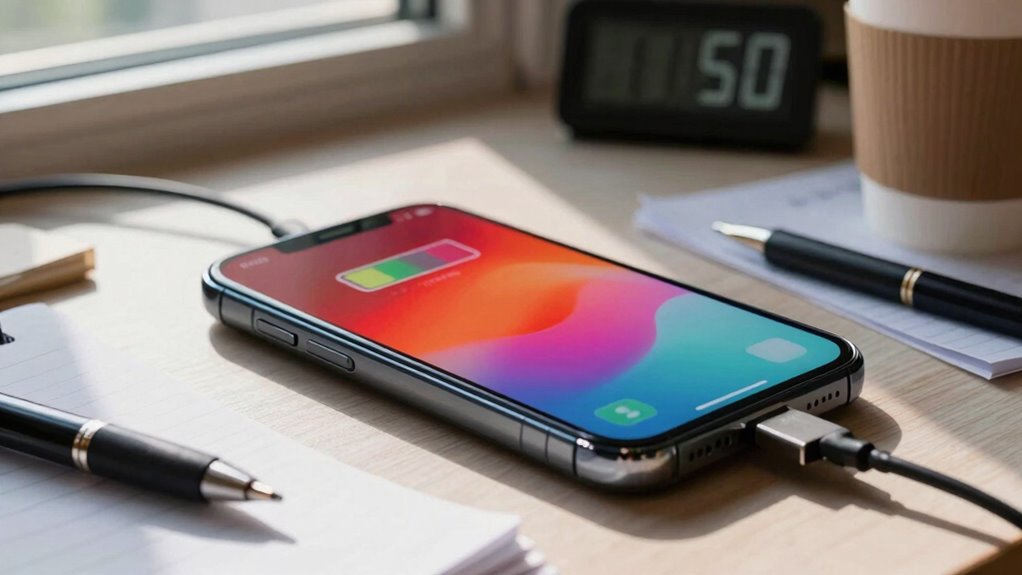

To avoid running out of battery unexpectedly, start by managing brightness levels and enabling adaptive brightness. Turn off unnecessary connectivity like Wi-Fi, Bluetooth, and mobile data when you don’t need them. Close background apps and activate power-saving modes to extend your device’s life. Disabling notifications, vibrations, and animated themes also helps conserve energy. If you follow these tips, you’ll prevent sudden power loss. Keep exploring to discover more simple ways to keep your device charged longer.
Key Takeaways
- Enable battery saver mode to automatically limit background activity when battery is low.
- Regularly monitor and close unnecessary apps draining power unexpectedly.
- Adjust screen brightness and disable animations to conserve energy during critical times.
- Turn off unused connectivity features like Bluetooth, Wi-Fi, and mobile data when not needed.
- Plan ahead by charging devices before long usage periods to avoid sudden low battery issues.
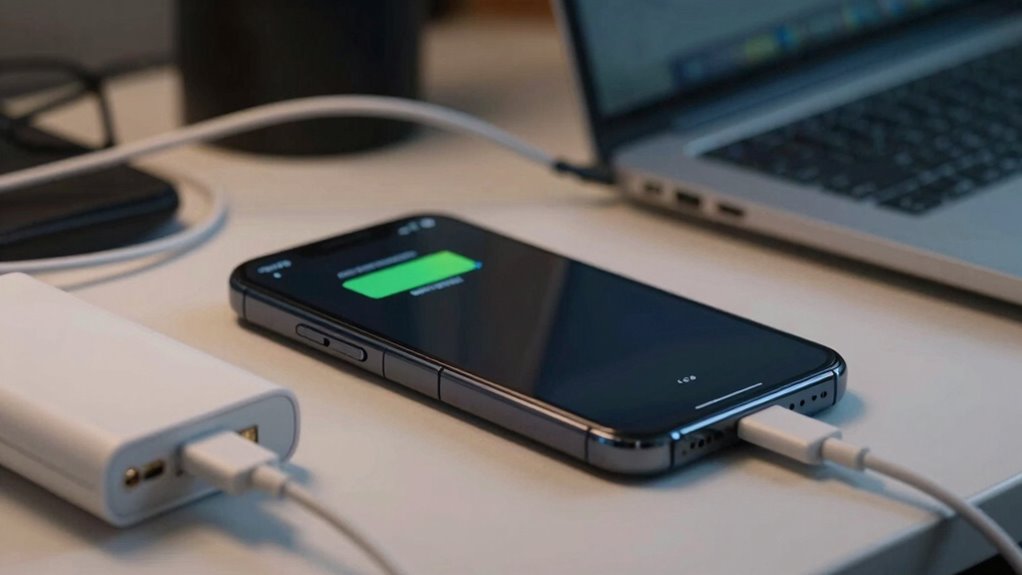
Have you ever been caught off guard by your device’s low battery warning? It’s frustrating, especially when you’re in the middle of something important. To prevent this from happening, you need to understand how to extend your device’s battery life effectively. The key lies in good battery optimization and adopting smart power saving tips. When you optimize your device’s settings, you reduce unnecessary power drain, ensuring your device lasts longer throughout the day. Start by dimming your screen brightness; it’s one of the biggest energy consumers. Turning on adaptive brightness can help your device automatically adjust to lighting conditions, saving power without sacrificing visibility. Also, disable Bluetooth, Wi-Fi, or mobile data when you’re not using them, as these features can rapidly deplete your battery. Many devices have a quick toggle for these, making it easy to turn them off when not needed.
Next, pay attention to background app activity. Many apps continue to run and use data in the background, even when you’re not actively using them. Check your app settings and restrict or close apps that aren’t necessary. Additionally, enabling battery saver or power saving modes can make a significant difference. These modes limit background activity, reduce screen refresh rates, and restrict notifications, all of which conserve energy. Implementing battery optimization techniques can further enhance your device’s longevity, especially if you utilize power management settings effectively. In addition, monitoring battery usage can help you identify unexpected power drain caused by rogue apps or system processes. Monitoring these aspects allows for more informed adjustments to your device’s power settings, ultimately extending its battery life.
Another effective power saving tip is to turn off unnecessary notifications, vibrations, and sounds. These features, while convenient, can contribute to battery drain. When you’re trying to stretch your battery life, disable non-essential notifications and switch your device to silent or vibrate only mode. Additionally, avoid using live wallpapers or animated themes, as these tend to increase power consumption. When your battery is critically low, switching to airplane mode can buy you precious extra minutes by disconnecting your device from all networks. Just remember to turn it off again once you’re charged or in an area with charging options. Recognizing battery drain causes can help you make smarter choices to prolong your device’s life.
battery saver mode for smartphones
As an affiliate, we earn on qualifying purchases.
As an affiliate, we earn on qualifying purchases.
Frequently Asked Questions
Can Low Battery Issues Affect Device Performance Long-Term?
Low battery issues can impact your device’s long-term performance if you don’t manage them properly. Constantly letting your battery drain or keeping it at a low charge can reduce its longevity. To prevent this, you should focus on power efficiency, such as avoiding extreme charge levels and unplugging when fully charged. Proper battery care helps maintain ideal performance and extends your device’s lifespan over time.
Are There Specific Apps That Drain Batteries Faster?
Imagine your device’s energy as a busy city, and some apps are like relentless traffic jams. High-traffic apps, like social media or streaming services, drain your battery faster due to constant background activity. To prevent this, prioritize app optimization by closing unnecessary apps and restricting background activity. This helps conserve energy, keeping your device running smoothly longer and avoiding the sudden power outage that leaves you stranded.
How Do Battery Health and Age Impact Low Battery Problems?
Battery health and age considerably impact low battery problems. As your battery undergoes degradation and age-related decline, it loses its ability to hold a full charge, leading to quicker power drain. Over time, chemical changes reduce capacity, making your device run out of power faster. To prevent surprises, monitor your battery’s health regularly, and consider replacing it when you notice substantial capacity loss, ensuring your device remains reliable.
What Are the Best Practices for Battery Calibration?
To guarantee proper battery calibration, you should regularly perform ideal charging practices. Fully charge your device to 100% and then use it until it completely discharges. Repeat this cycle once a month to help your device’s battery management system accurately gauge the battery’s capacity. Avoid frequent partial charges, as they can skew calibration, and always use the original charger to maintain consistent charging behavior for better battery health.
Can External Factors Like Temperature Worsen Battery Drain?
Did you know that extreme temperatures can increase battery drain by up to 50%? Yes, temperature effects considerably worsen battery performance. External stress from heat or cold accelerates chemical reactions inside your device, causing faster battery depletion. So, when you expose your device to harsh temperatures, you’re fundamentally adding external stress that shortens battery life. Keep your device in a cool, stable environment to maintain ideal battery health and avoid unnecessary drain.
As an affiliate, we earn on qualifying purchases.
Conclusion
By staying mindful of your device’s battery levels and planning ahead, you can avoid the frustrating “low battery arrival” moment. Remember, nearly 80% of smartphone users have experienced their device dying unexpectedly—an experience that can be easily prevented with simple habits. Keep your battery topped up and your devices ready to go. With these tips, you’ll never have to worry about being caught off guard again, always staying connected when it matters most.
smartphone screen brightness adjuster
As an affiliate, we earn on qualifying purchases.
As an affiliate, we earn on qualifying purchases.
Bluetooth and Wi-Fi toggle switch
As an affiliate, we earn on qualifying purchases.
As an affiliate, we earn on qualifying purchases.