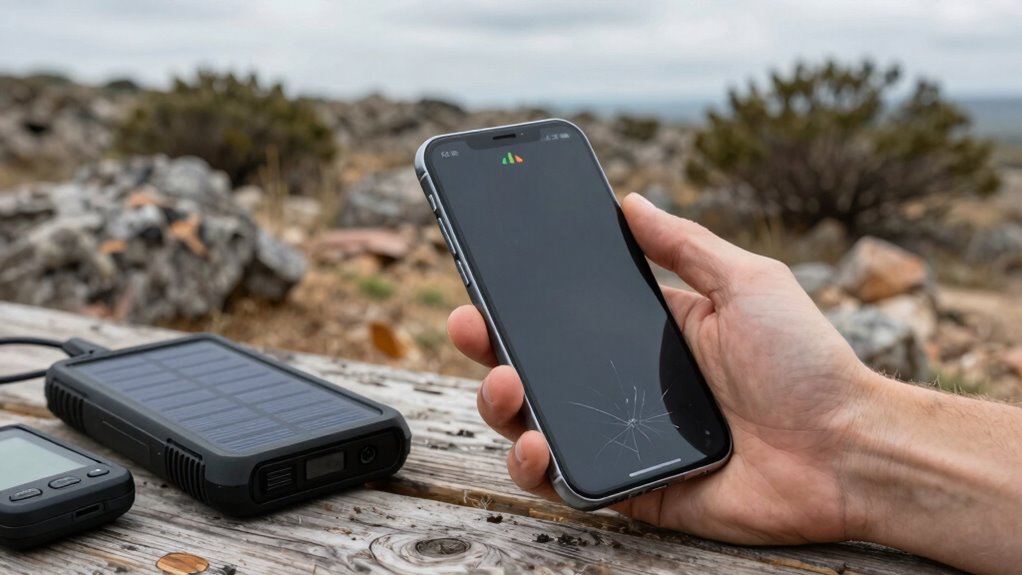

To keep your phone useful when signals weaken, download offline maps and save important contacts before you lose connection. Use offline apps for navigation, communication, and info access, and store essential medical and personal details on your device. Keep a portable charger handy and turn off non-essential features to conserve battery. Be aware of signal strength indicators and interference to manage expectations. For more tips on staying connected in low-signal situations, explore the following guidance.

Get travel and outdoor gear delivered free with Prime
- Fast, free delivery on millions of items
- Prime Video, Amazon Music and more included
- Member-only deals all year
Key Takeaways
- Download offline maps and essential info to access navigation and contacts without network connectivity.
- Use offline messaging apps that sync messages once the connection is restored.
- Keep your device charged with portable power banks and disable non-essential features to conserve battery.
- Familiarize yourself with signal indicators and interference patterns to optimize communication attempts.
- Stockpile offline resources and apps to maintain critical functions during network outages.
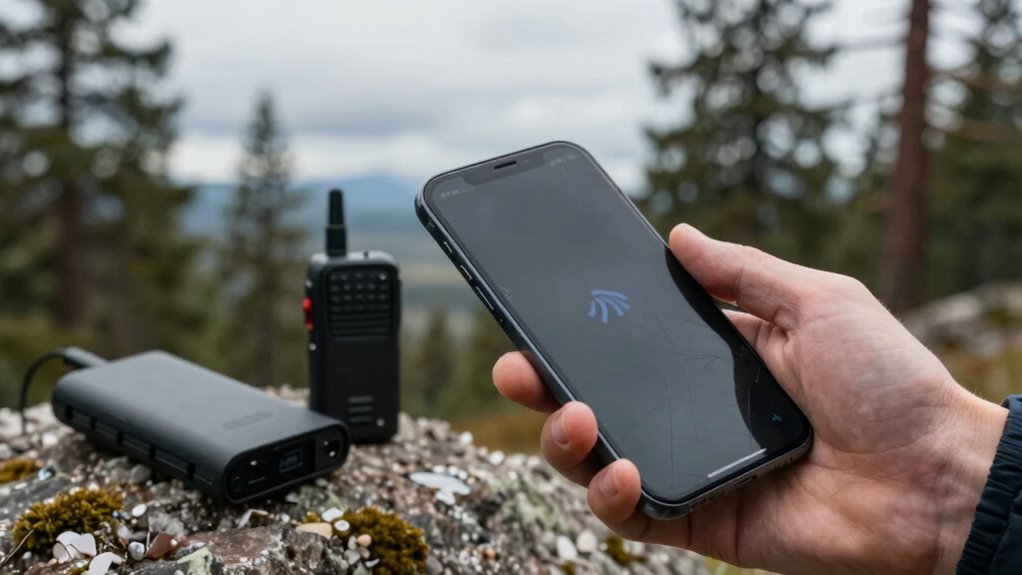
When your phone’s signal starts to weaken, it can feel like your device becomes almost useless. But even in low-signal situations, your phone can still be a valuable tool if you’re prepared. Emergency preparedness is key—you want to have resources saved offline so you’re not entirely dependent on a steady connection. Before heading into areas with unreliable service, download offline maps, important contacts, and emergency information. Offline apps can be lifesavers, offering navigation, communication, and information access without needing a network. Apps like Google Maps allow you to save specific map areas, so you can still find your way even when the signal drops. Similarly, storing essential contacts and medical info on your device ensures you can access critical details when you need them most, without scrambling for a signal or paper documents.
You should also consider using offline messaging apps designed for low or no connectivity. Some apps sync when you’re connected, and then deliver messages once the connection is restored. This way, you can stay in touch with loved ones or emergency services without missing critical messages during outages. If you’re planning outdoor activities or traveling through remote areas, pack a portable charger or power bank. A dead phone isn’t much use, especially if you rely on it as your primary safety tool. Keeping your device charged ensures you can access offline apps, emergency information, or save battery for when you truly need it. Additionally, understanding signal strength limitations can help you better manage your expectations and strategies for communication in low-signal environments. Being aware of how signal interference affects your device can further improve your preparedness and response. Knowing how to interpret signal indicators can also guide your decisions on when to attempt communication or seek alternative solutions. It’s also helpful to familiarize yourself with the limitations of mobile networks, so you can plan your communication strategy more effectively.
Another helpful tactic is to turn off non-essential features to conserve battery life and reduce background data usage. Disable Bluetooth, Wi-Fi, and location services when they’re not needed, and switch your phone to airplane mode if you don’t need to make calls or send texts. This minimizes power drain and keeps your battery alive longer when you’re in a pinch. Remember, even when the signal is weak, your phone can still be a source of vital information if you’ve taken the time to prepare ahead. Stockpile offline resources, use dedicated offline apps, and keep your device charged and optimized for low-signal environments. Being aware of signal limitations and how to work around them can make all the difference during an emergency. These steps help ensure you stay connected, informed, and safe, no matter how unreliable your signal becomes.
Products Worth Considering

DJI Osmo Pocket 3 4K Camera Creator Bundle with Mic Mini Wireless Microphone System

Bose QuietComfort Wireless Noise-Cancelling Over-Ear Headphones, Black

Travelpro Maxlite 5 Softside International Carry-On Luggage, Green, 20-Inch
As an affiliate, we earn on qualifying purchases.
Frequently Asked Questions
Can I Improve My Signal Strength Without Changing Carriers?
Yes, you can improve your signal strength without changing carriers by using device boosters or signal amplifiers. These tools enhance your existing signal, making calls clearer and data faster. Place a signal booster near windows or in open spaces to maximize coverage. Keep your device antennas unobstructed, and ensure your device is compatible with the booster or amplifier. This simple setup can markedly boost your signal without switching providers.
What Apps Work Best Without a Reliable Internet Connection?
Ever wonder what apps can save you during poor signals? You should try offline navigation apps like Maps.me or Google Maps’ offline mode; they’ll guide you without internet. For communication, offline messaging apps like Signal or WhatsApp allow you to send and receive messages without connectivity once set up. These apps make sure you stay connected and navigate confidently, even when your signal drops. Are you ready to stay prepared?
How Can I Conserve Battery Life During Signal Outages?
To conserve battery life during signal outages, you should enable battery saving tips like reducing screen brightness and turning off background apps. Use signal boosting methods such as airplane mode to prevent your phone from constantly searching for a signal. Additionally, disable Wi-Fi and Bluetooth if not needed. Keeping your phone in low power mode and limiting app usage will help extend battery life until your signal improves.
Are There Emergency Features for Poor Signal Areas?
When you find yourself in a signal desert, your phone still has secret weapons. Emergency alerts can break through the silence, keeping you informed during crises. Signal boosters act like digital lighthouses, illuminating weak signals and guiding your calls and messages through. Activate emergency settings, and your device becomes a lifeline, ensuring you’re connected to help and essential information when you need it most, even in the darkest signal spots.
What’s the Best Way to Find Wi-Fi Hotspots Quickly?
To find Wi-Fi hotspots quickly, use offline browsing maps or apps that show nearby cafes, libraries, or public spaces offering free Wi-Fi. Signal boosters can help improve your connection once you’re near a hotspot. Keep a list of reliable spots saved on your device beforehand. This way, you can swiftly connect without wasting time searching, ensuring you stay connected even when your signal is weak or unstable.
Conclusion
So, next time your signal decides to go on vacation, remember that your phone’s true worth isn’t measured by bars but by your patience. Maybe it’s time to embrace the art of talking to people face-to-face—or perhaps just enjoy the silence. After all, when technology fails, you might finally realize that life’s best moments happen offline. Who knew that losing signal could actually be a blessing in disguise? Cheers to simpler days!