
If you set up your portable monitor without proper ergonomic adjustments, it can cause eye strain, neck pain, and discomfort. Failing to organize cables or secure connections leads to clutter, accidental disconnections, and safety hazards. Poor lighting conditions or screen placement can also cause glare and reduce visibility. To avoid these issues, focus on positioning, cable management, and lighting. Keep these tips in mind to improve your setup—and if you keep exploring, you’ll discover how to make your portable monitor truly helpful.

Get travel and outdoor gear delivered free — and shop member deals
- Fast, free delivery on millions of items
- Access to Prime Big Deal Days deals on October 6–7
- Prime Video, Amazon Music and more included
Key Takeaways
- Incorrect monitor height or angle causing neck and eye strain.
- Poor cable management leading to clutter, disconnections, or damage.
- Inadequate lighting setup resulting in glare or visibility issues.
- Overlooking power safety and stability, risking device damage.
- Neglecting regular maintenance and inspection, decreasing longevity and performance.
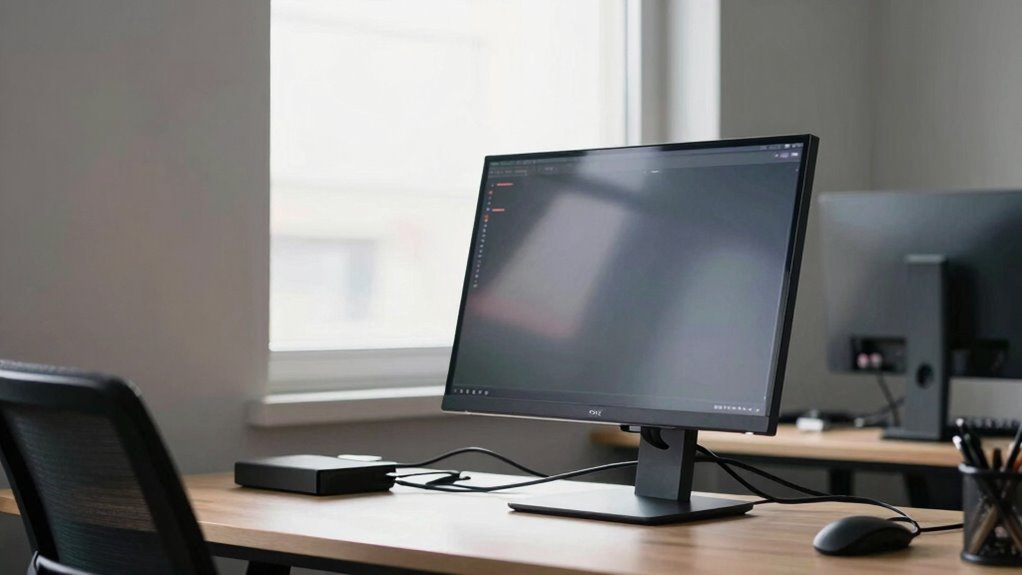
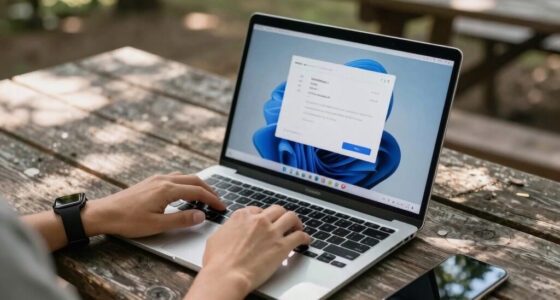
Setting up a portable monitor might seem straightforward, but skipping a few key steps can lead to common mistakes that affect performance and longevity. One of the biggest pitfalls is neglecting ergonomic adjustments. If you don’t position the monitor at eye level, you’ll strain your neck and eyes over time, causing discomfort and reducing productivity. Make sure the top of the screen is roughly aligned with your eye height, and keep the monitor about an arm’s length away. Adjust the tilt so the screen is slightly angled for comfortable viewing, and consider using a portable stand or riser if necessary. Proper ergonomic setup not only prevents fatigue but also promotes better posture, helping you work more efficiently for longer periods. Additionally, it’s important to consider environmental lighting to reduce glare and improve visibility.
Ensure your portable monitor is at eye level and comfortably angled to prevent strain and boost productivity.
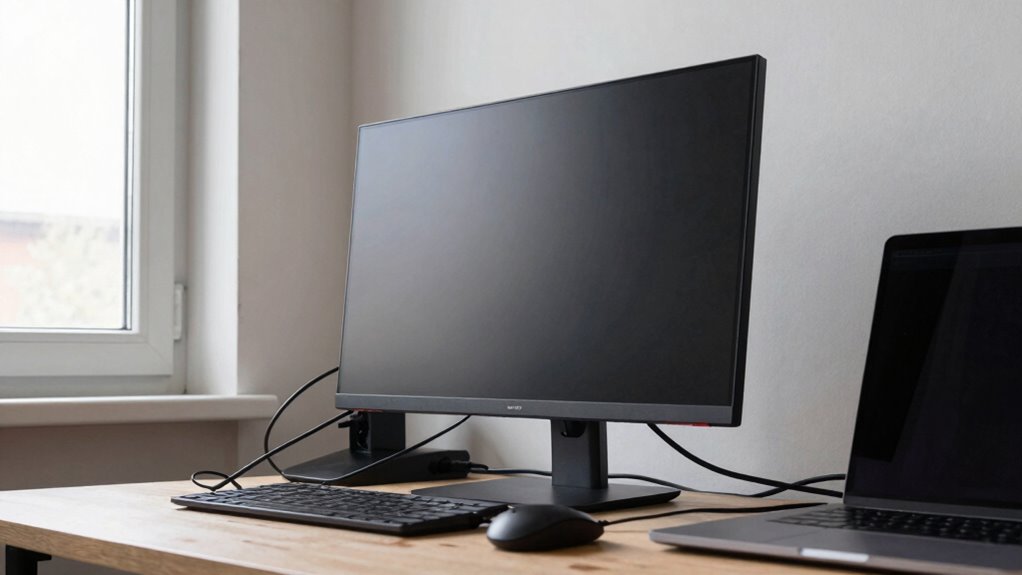
Cable management is another critical aspect often overlooked during setup. When cables are tangled or hanging loosely, they can easily get disconnected or cause clutter that distracts you. Take the time to organize your cables using clips, ties, or sleeves to keep everything neat and secure. Proper cable management ensures a cleaner workspace, reduces wear on the connectors, and minimizes the risk of accidental disconnections. Additionally, it helps prevent tripping hazards, especially if you work in shared or dynamic environments. When connecting your portable monitor, avoid stretching cables tightly; instead, route them along the edges of your desk or behind your setup to prevent stress on ports and connectors. Ensuring power stability can also prevent unexpected shutdowns or damage, especially during power fluctuations. Regularly inspecting your cables and connectors for wear and tear is also an essential part of maintaining a safe and reliable setup. To further enhance setup safety, be aware of electrical safety practices when handling and connecting electronic devices. Being proactive about cable maintenance can extend the lifespan of your equipment and keep your workspace organized.
portable monitor ergonomic stand
As an affiliate, we earn on qualifying purchases.
As an affiliate, we earn on qualifying purchases.
Frequently Asked Questions
Are Portable Monitors Compatible With All Laptops and Devices?
Portable monitors aren’t compatible with all laptops and devices, mainly due to compatibility issues and device limitations. You need to check if your device has the right ports, like HDMI, USB-C, or DisplayPort, and supports the monitor’s specifications. Some older or less common devices may struggle with driver support or power requirements, so always verify compatibility before purchasing to avoid setup frustrations.
What Is the Ideal Screen Size for Portable Monitors?
The ideal screen size for portable monitors usually ranges between 13 to 15 inches, balancing screen resolution, weight, and portability. Smaller screens are lightweight and easier to carry, but might lack sufficient resolution for detailed work. Larger screens offer better display quality but can compromise portability. Consider your usage needs—if you prioritize mobility, opt for a compact size with a high resolution that’s easy to carry around.
How Do I Protect My Portable Monitor During Travel?
Think of your portable monitor as a delicate butterfly—you want to keep it safe during travel. Use dedicated travel accessories like padded cases or screen protectors to shield it from bumps and scratches. Always pack it in a sturdy bag with compartments to prevent movement. This way, you guarantee your monitor stays pristine, and you’ll be ready to work or play without worry, no matter where your journey takes you.
Can Portable Monitors Be Used Outdoors Effectively?
Yes, you can use portable monitors outdoors effectively if you prioritize outdoor visibility and weather resistance. Look for models with high brightness levels to combat sunlight glare, and choose those with rugged, weather-resistant designs to handle rain or dust. Use an anti-glare screen protector for better visibility, and always keep the monitor protected when not in use. This way, you guarantee clear, reliable performance outdoors without damage or inconvenience.
What Are the Power Options for Portable Monitors?
You’ll find portable monitors surprisingly flexible in power options. Most run on built-in batteries, offering hours of use—ironic, since they’re often more dependent on external power sources. You can also connect them to power adapters via USB-C or AC outlets for extended use. Just remember, battery life varies based on brightness and usage, so keeping a power adapter handy is wise to avoid running out of juice when you need it most.
cable management clips for monitors
As an affiliate, we earn on qualifying purchases.
As an affiliate, we earn on qualifying purchases.
Conclusion
Avoid these setup pitfalls, and your portable monitor will be your trusty sidekick, not a troublesome foe. Think of it as a dance partner—you don’t want to stumble over your own feet. When you set it up correctly, it seamlessly enhances your workflow and entertainment. So, take care with those small details, and watch your portable monitor become the bright star in your tech constellation, shining without a hitch—because a smooth setup makes all the difference.
portable monitor anti-glare screen protector
As an affiliate, we earn on qualifying purchases.
As an affiliate, we earn on qualifying purchases.
portable monitor power surge protector
As an affiliate, we earn on qualifying purchases.
As an affiliate, we earn on qualifying purchases.
Fall Picks
fall essentials
As an affiliate, we earn on qualifying purchases.