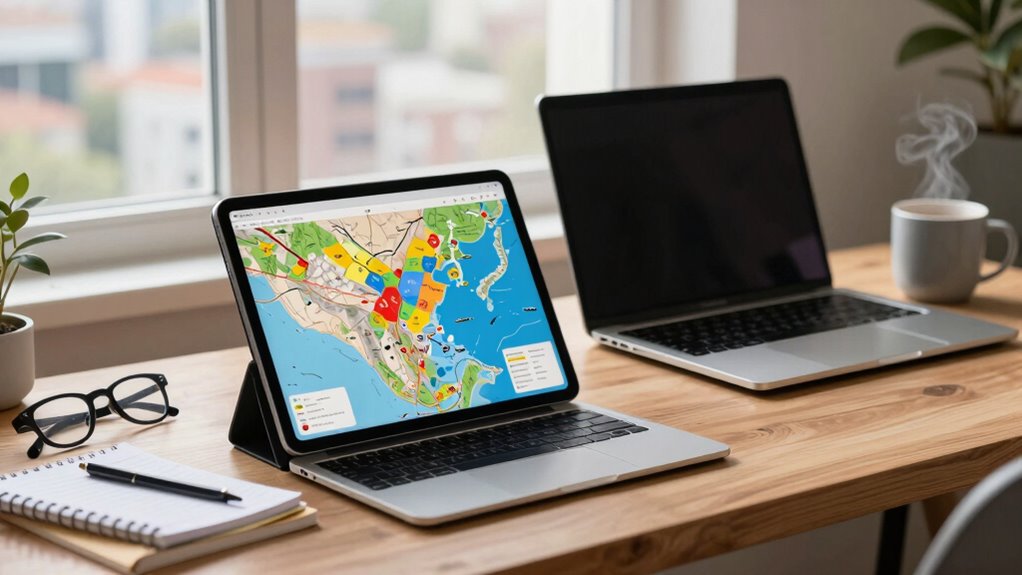

If you’re prioritizing quick note-taking, casual gaming, and lightweight tasks during travel, a tablet is your best fit thanks to its portability and touchscreen features. However, if your work involves demanding tasks like editing, multitasking, or running specialized software, a laptop offers the power and versatility you need. Your choice depends on whether you value convenience or performance most—stay with us to explore how to pick the perfect device for your travel workflow.

Get travel and outdoor gear delivered free with Prime
- Fast, free delivery on millions of items
- Prime Video, Amazon Music and more included
- Member-only deals all year
Key Takeaways
- Choose a travel tablet for quick notes, casual gaming, and lightweight tasks; opt for a laptop for demanding work and multitasking.
- Tablets are highly portable and intuitive for touchscreen note-taking and sketching, while laptops offer greater processing power.
- For intensive editing, software use, or complex projects, a laptop provides the necessary performance.
- Casual gaming during transit is better suited to tablets, whereas laptops excel in immersive, graphics-heavy games.
- Match device choice to your primary travel activities to optimize productivity and entertainment.
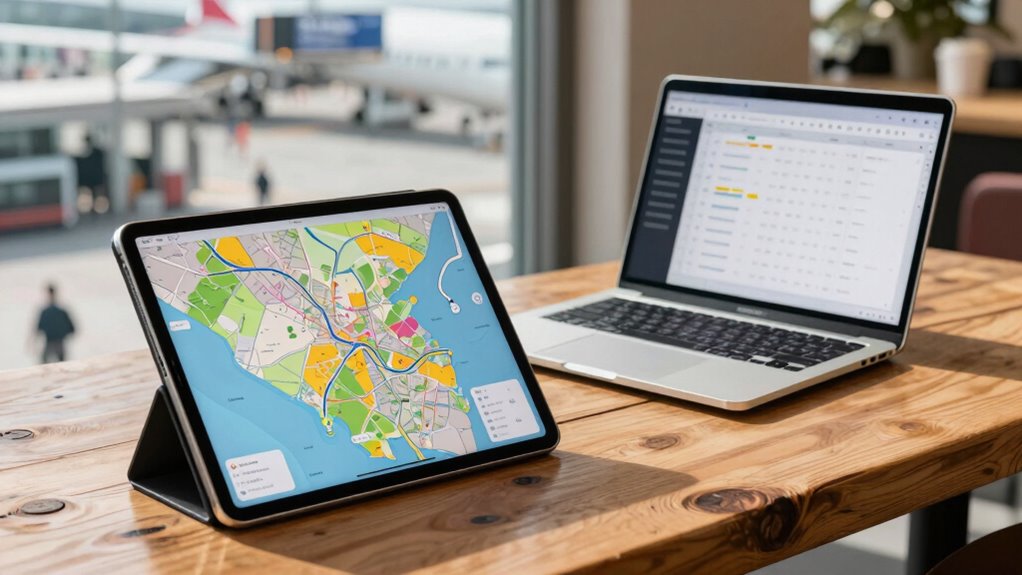
When choosing between travel tablets and laptops, it’s important to think about how you’ll use your device on the go. If your main goal is to stay productive while traveling, you’ll need to evaluate what tasks are most important—like digital note taking or running your favorite travel gaming apps. Travel tablets are lightweight and portable, making them ideal for quick note taking during meetings or sightseeing. Their touchscreen interfaces often make digital note taking more intuitive, especially if you prefer handwriting or sketching ideas. Plus, many tablets support styluses, which can boost your efficiency when jotting down ideas or marking up documents. If you value versatility and a larger screen for multitasking, a laptop might be a better fit. Laptops handle more demanding tasks like editing documents, creating presentations, or running specialized software, which tablets can struggle with due to their limited processing power.
When it comes to travel gaming, your choice depends heavily on the kind of games you enjoy. Tablets tend to excel for casual gaming, thanks to their touchscreens and ease of portability. You can relax by playing puzzle games, casual adventures, or mobile versions of popular titles without lugging around a heavy device. They’re perfect for quick gaming sessions during transit or relaxing at a hotel. Laptops, on the other hand, are better suited for more intensive gaming experiences. If you’re into graphic-heavy games or multiplayer online games, a laptop’s higher processing power and larger display give you a richer experience. However, keep in mind that laptops are heavier and bulkier, which might be a drawback if you’re traveling light or moving frequently. Additionally, considering device compatibility with your preferred games can influence your choice, especially if certain games perform better on one platform. Moreover, the portability of your device can be a key factor in ensuring you stay connected and entertained during your travels.
Your workflow on the go depends on balancing portability with performance. If your routine involves taking quick notes, managing emails, and occasional gaming, a travel tablet offers the convenience you need. But if your work demands more robust computing power, multitasking, or detailed editing, a laptop will serve you better—even if it means sacrificing some portability. Think about where you’ll be most of the time and what tasks will dominate your travel days. Do you need a device that can double as a digital notebook and gaming console in your downtime? Or do you require a powerful machine that can handle complex work tasks while on the move? Being aware of the processing power and versatility of your device can make all the difference in maintaining your productivity and entertainment during travel. Choosing a device that aligns with your specific workflow needs can enhance your overall travel experience and ensure you stay connected and entertained wherever you go.
As an affiliate, we earn on qualifying purchases.
Frequently Asked Questions
Can Travel Tablets Replace Laptops for Professional Work?
Travel tablets can replace laptops for professional work if your tasks are simple and rely on cloud integration. They’re portable, with ergonomic design that reduces strain, making them perfect for on-the-go productivity. However, for complex projects, multitasking, or heavy-duty software, laptops remain more efficient. Consider your workflow needs carefully—if cloud apps and portability suffice, a travel tablet could be a suitable substitute.
Which Device Has Better Battery Life for Extended Travel?
Think of your device’s battery life as a marathon runner—some finish strong, others tire quickly. Travel tablets generally have better battery longevity due to their power efficiency, making them ideal for extended trips. They’re designed to sip power gently, so you can stay connected longer without searching for outlets. Laptops may offer more power, but tablets excel in conserving energy, helping you keep going when power sources are scarce.
Are Travel Tablets More Secure Than Laptops for Sensitive Data?
Travel tablets can be more secure than laptops for sensitive data if you prioritize data encryption and physical security. Tablets often have robust encryption features and are easier to physically secure due to their size and portability. However, laptops may offer more advanced security options, like biometric authentication. Ultimately, your security depends on using strong encryption, enabling device locks, and keeping physical access limited, regardless of the device you choose.
How Do Travel Tablets Handle Multitasking Compared to Laptops?
You’ll find that travel tablets excel at multitasking with their touchscreen versatility, letting you switch between apps effortlessly. While laptops handle multiple tasks more robustly, tablets often support split-screen functions, making it easier to manage emails, notes, and media simultaneously. With a rich app ecosystem, tablets let you customize your workflow on the go, but for heavy multitasking, laptops still provide more power and efficiency.
Can Travel Tablets Run All Desktop Applications Needed for Work?
Travel tablets can’t run all desktop applications needed for work due to software limitations and compatibility issues. While they excel with cloud-based apps and offer portability, they often lack the full functionality of traditional desktops or laptops. If your workflow depends heavily on specific desktop software, you’ll find tablets restrictive. However, with cloud compatibility, you can access many applications remotely, but some complex or specialized programs might still be out of reach.
As an affiliate, we earn on qualifying purchases.
Conclusion
Ultimately, choosing between a travel tablet and a laptop depends on your workflow. If you value portability and quick access for light tasks, a tablet might be your best bet. But if you need power and multitasking, a laptop’s the way to go. The truth? Neither is universally better—it’s about what fits your specific needs. So, weigh your priorities, and pick the device that truly keeps you productive on the go.
As an affiliate, we earn on qualifying purchases.
As an affiliate, we earn on qualifying purchases.
Halloween Picks
halloween
As an affiliate, we earn on qualifying purchases.



![Let's Encrypt bans certificate usage in any US sanctioned territory [pdf]](https://wihok.com/wp-content/uploads/2026/06/let-s-encrypt-bans-certificate-usage-in-any-us-sanctioned-territory-pdf-featured-560x300.jpg)