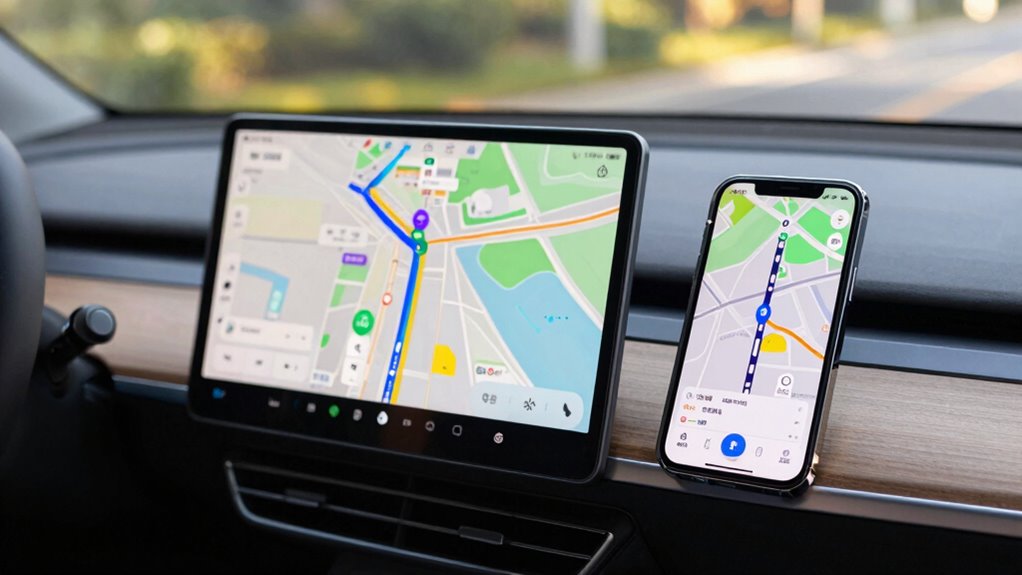

For long drives, GPS navigators offer more reliable traffic updates, detailed route options, and a distraction-free experience with larger screens and voice commands. Phone apps are convenient and cost-effective but depend on your signal, battery, and device performance, which can limit usability. If you prioritize accuracy and safety, a dedicated GPS might suit you better. However, to discover which option best fits your journey, keep exploring the details, and you’ll find what works for you.

Get travel and outdoor gear delivered free with Prime
- Fast, free delivery on millions of items
- Prime Video, Amazon Music and more included
- Member-only deals all year
Key Takeaways
- GPS navigators excel in real-time traffic updates and rerouting, especially in areas with poor signal.
- Phone apps offer convenience and quick route adjustments but depend on stable data and battery life.
- Dedicated GPS devices provide larger screens, better usability, and distraction-free navigation for long trips.
- Phone navigation is cost-effective and versatile but may be limited by device performance and battery constraints.
- Choice depends on prioritizing detailed route options and traffic reliability versus convenience and device portability.
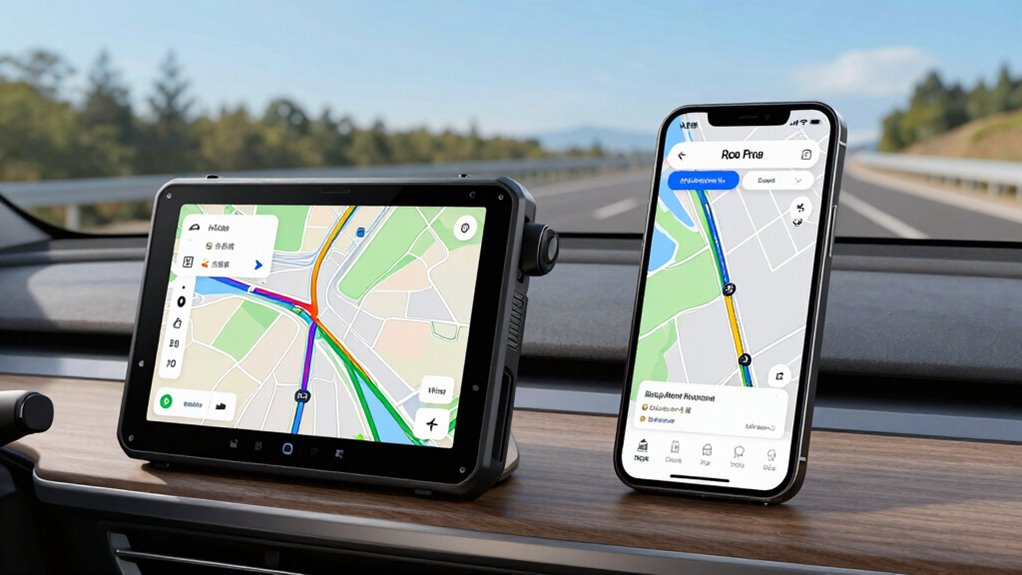
When planning a long driving trip, selecting the right navigation tool can make all the difference in your journey’s smoothness and safety. Both GPS navigators and phone navigation apps have their merits, but understanding their strengths and limitations helps you decide which is best for your trip. One of the key aspects to contemplate is how each handles traffic congestion. GPS navigators often come with real-time traffic updates, alerting you to jams, accidents, or road closures, and can reroute you automatically to avoid delays. Phone apps also provide live traffic info, but their accuracy depends on your data connection and the strength of your signal. If you’re in an area with spotty service, a dedicated GPS device might hold an edge because it doesn’t rely solely on internet access. Additionally, GPS navigators typically feature traffic congestion management capabilities that enhance your route planning.
Route customization is another essential factor. GPS navigators are typically designed with pre-loaded maps and advanced features that allow you to set preferences such as avoiding tolls, highways, or ferries. They often have more detailed options for route planning, giving you the ability to tailor your journey to your needs, whether you want to see scenic routes or minimize driving time. Phone apps, on the other hand, have made significant strides in customization, but they can sometimes be limited by app design or data availability. Still, they often provide quick, intuitive options for rerouting on the fly, which can be handy if you need to alter your plan unexpectedly.
GPS units offer detailed route options like avoiding tolls or scenic paths, while phone apps provide quick, on-the-fly rerouting.
Beyond traffic and route options, think about the usability and reliability of each device. GPS navigators usually have larger screens, which can make navigation easier, especially when driving long hours or in complex areas. They’re built to be durable and are less likely to drain your phone’s battery. Phone navigation apps rely on your device’s display and battery, so if you forget to charge your phone or carry a portable charger, you could face difficulties mid-trip. Furthermore, dedicated GPS units often have better voice command features, allowing you to keep your eyes on the road and minimize distractions.
In the end, your choice depends on your specific needs and preferences. If you prioritize detailed route customization, reliable traffic updates, and a distraction-free experience, a GPS navigator might be the better choice. However, if convenience, cost, and versatility appeal more to you, sticking with a high-quality phone app could suffice. Either way, understanding how each handles traffic congestion and route customization ensures you’re better prepared for a smooth, safe long drive.
Products Worth Considering

Bose QuietComfort Wireless Noise-Cancelling Over-Ear Headphones, Black

Apple AirPods Pro 3 Wireless Earbuds

DJI Osmo Mobile 8 Gimbal with Mic Mini Transmitter, Infinity Black
As an affiliate, we earn on qualifying purchases.
Frequently Asked Questions
Which Navigation Option Offers Better Real-Time Traffic Updates?
GPS navigators generally provide better real-time traffic updates, especially regarding traffic congestion and route recalculations. They often have dedicated traffic sensors and receive frequent updates, helping you avoid delays more effectively. Phone navigation apps also offer good updates, but they rely on cellular data which can be less reliable in some areas. For the most accurate and timely traffic info, a GPS navigator is usually the better choice.
How Do GPS Devices Handle Remote or Offline Areas?
GPS devices handle remote or offline areas by relying on satellite signals, which allow them to function without cell service. However, since they depend on stored map data, they might not have the latest updates. To stay accurate, you should regularly download map updates when you’re connected, ensuring your device has the most recent information. This way, your navigation remains reliable even in areas with limited or no connectivity.
Are GPS Navigators More Durable Than Smartphones?
GPS navigators are generally more durable than smartphones due to their rugged design, which withstands drops, vibrations, and harsh conditions. They often feature reinforced housings and are built for long-term use in diverse environments. Additionally, their screens are usually brighter and more visible under direct sunlight, ensuring clear visibility during long drives. If durability and screen visibility matter most, a dedicated GPS device often outperforms a smartphone for extended trips.
Can Phone Navigation Apps Function Without Cellular Data?
You can use phone navigation apps without cellular data if you download offline maps beforehand. This way, you rely on stored data, which conserves your phone’s battery life and guarantees continuous guidance. Keep in mind, offline maps don’t update in real-time, so your route might lack live traffic info. To avoid running out of power, carry a portable charger, especially on long trips, making sure your navigation stays reliable.
Which Option Is More Cost-Effective Long-Term?
You’ll find that phone navigation apps are more cost-effective long-term because they don’t require purchasing a dedicated device, leading to significant cost savings. Plus, your smartphone’s frequent updates and versatile features extend device longevity, reducing the need for frequent replacements. While GPS navigators might be more durable, their upfront costs and limited functionality can add up over time. Overall, using your phone offers better value and flexibility for long drives.
Conclusion
Imagine your navigation tools as trusty compass and map on a vast expedition. Your GPS navigator is like a seasoned explorer, steady and dedicated, guiding you through rugged terrains. Meanwhile, your phone is a clever scout, versatile and quick to adapt, but sometimes distracted. For long journeys, think of your choice as the path you trust—either the experienced guide or the agile scout—to guarantee you reach your destination smoothly and safely.