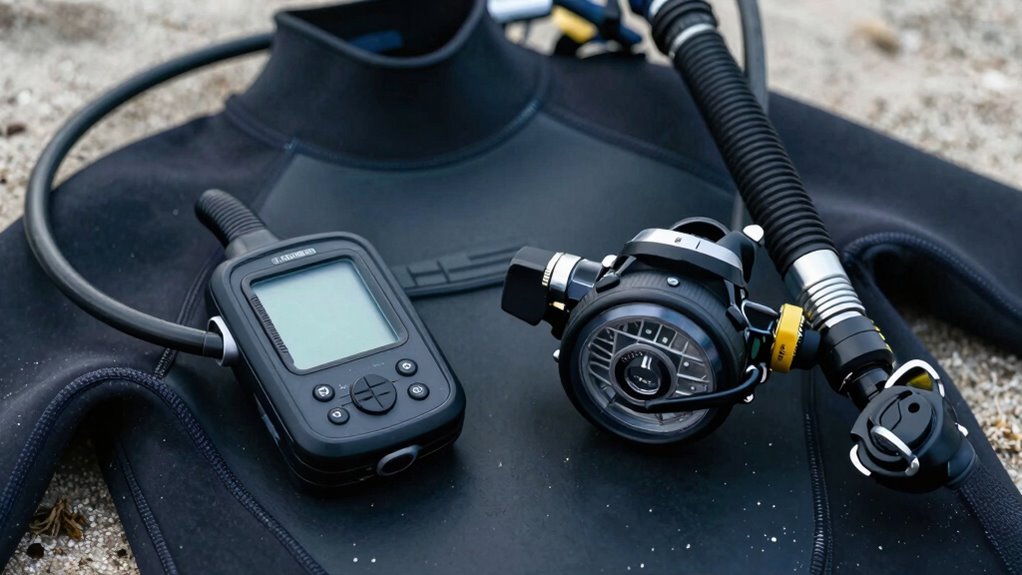

Familiarity with your dive computer and regulator sets is essential for safe, confident travel dives. Knowing how your gear operates helps you avoid mistakes, interpret data quickly, and navigate underwater confidently. It also supports smooth breathing and quick decision-making, especially in unfamiliar environments. Regular practice ensures you can troubleshoot issues and handle environmental challenges like saltwater and sand. Staying comfortable with your equipment reduces risks and enhances your overall experience—stick around to discover how to optimize your gear skills further.

Get travel and outdoor gear delivered free with Prime
- Fast, free delivery on millions of items
- Prime Video, Amazon Music and more included
- Member-only deals all year
Key Takeaways
- Familiarity with dive computers ensures quick data interpretation, aiding navigation and safety during unfamiliar dives.
- Knowing regulator operation prevents panic and allows smooth breathing in unfamiliar environments.
- Regular handling and maintenance reduce equipment failure risks on travel dives.
- Understanding gear functions enhances confidence and decision-making in new underwater settings.
- Proper gear familiarity minimizes environmental impact and gear damage in diverse travel conditions.
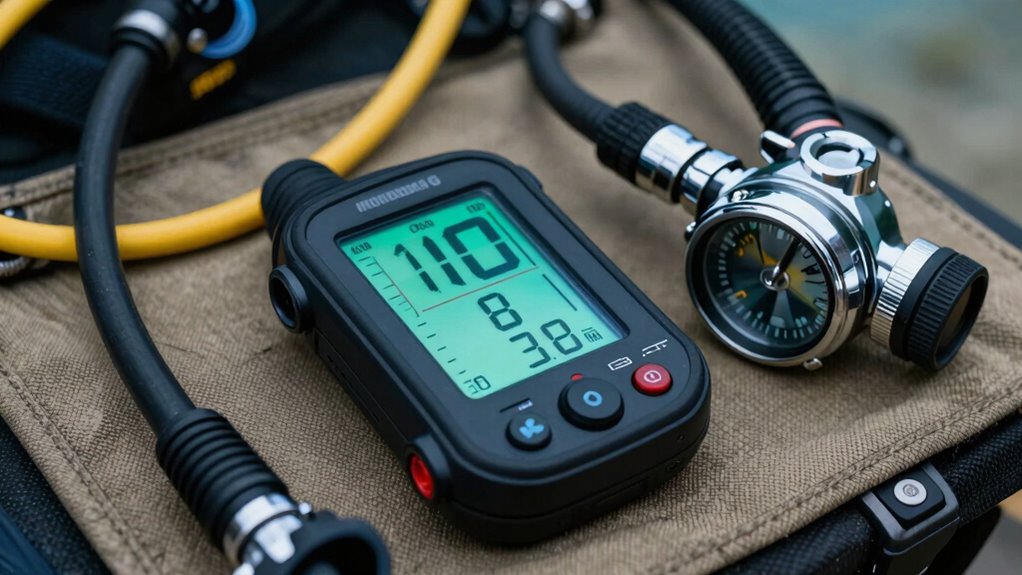
When you’re gearing up for a dive, choosing the right dive computer and regulator set is vital for safety and performance. These tools aren’t just accessories; they’re your lifelines beneath the surface. Familiarity with your gear makes a significant difference, especially when you’re traveling to new dive sites. A dive computer helps you monitor your depth, bottom time, and ascent rate, but knowing how it works and how to read its data quickly can keep you safe. When you’re comfortable with your device, you’re less likely to make mistakes, which is essential in unfamiliar environments where quick decisions matter. Similarly, understanding your regulator set—how it functions and how to troubleshoot issues—can prevent panic and guarantee smooth breathing during your dives.
Underwater navigation is a skill that relies heavily on your familiarity with your gear. If you know how to operate your dive computer confidently, you can better track your position and maintain awareness of your surroundings. This becomes especially important when exploring new dive sites where landmarks are scarce, and natural navigation cues may be limited. Your dive computer can assist with this by providing real-time data on depth and dive time, but you need to know how to interpret this information quickly. Practicing underwater navigation techniques and understanding how your gear supports these skills helps you stay oriented and reduces the risk of getting lost. When you’re comfortable with your equipment, you can focus more on the experience and less on managing your tools. Developing familiarity with your gear’s functions can significantly enhance your confidence and safety during dives. Additionally, understanding the importance of consistent gear handling can improve your overall dive efficiency and safety. Recognizing the impact of environmental conditions on your gear can help you adapt your handling techniques and prevent damage, especially in saltwater or sandy environments.
Dive gear maintenance is another vital aspect that benefits from familiarity. Regularly maintaining your dive computer and regulator set ensures they perform reliably, especially on travel dives where you might not have access to professional servicing immediately. Knowing how to inspect, clean, and troubleshoot your gear can save you from unexpected problems during a dive. Familiarity also means you recognize early signs of wear or damage, allowing you to replace or repair parts before they fail. Being well-versed in your gear’s maintenance helps you adapt and keep everything in top condition, so you’re prepared for whatever the dive throws at you. Additionally, understanding gear maintenance and the environmental factors that can affect your equipment is crucial for safe and successful dives. Developing good habits in gear handling can extend the lifespan of your equipment and enhance your overall diving experience. Recognizing how environmental conditions impact your gear, like saltwater or sand, further underscores the importance of proper handling and maintenance.
Products Worth Considering

Samsonite Tour Deluxe Hard-Sided Golf Travel Case

Samsonite Freeform 2-Piece Luggage Set, Carry-On and Large Checked Spinner Suitcases, Black

Sony WH-1000XM6 Wireless Noise-Canceling Over-Ear Headphones, Blue, Bundle
As an affiliate, we earn on qualifying purchases.
Frequently Asked Questions
How Do I Calibrate My Dive Computer Before a Trip?
To calibrate your dive computer before a trip, follow the manufacturer’s instructions, usually involving a surface check and ensuring it’s in fresh water if required. Make sure your computer’s settings match your planned dive conditions. Proper dive computer calibration is essential for travel safety, helping you avoid miscalculations during dives. Test it in a controlled environment, like shallow water, to confirm accuracy before you explore new dive sites.
Can I Use the Same Regulator Set for Different Types of Diving?
You can often use the same regulator set across different diving types, but regulator compatibility and your dive computer settings matter. Some regulators are designed for specific conditions, like cold water or technical dives, which might affect performance. Always check if your regulator is suitable for the dive type, and adjust your dive computer settings accordingly. Ensuring compatibility keeps your dives safe and enjoyable, regardless of where you explore.
What Maintenance Is Required for Dive Computers During Travel?
During travel, you should regularly check your dive computer’s battery and replace it if needed to guarantee reliable performance. Also, make sure to perform any necessary software updates before your trip, as these can improve functionality and fix bugs. Keep your computer clean and dry, and store it safely in your luggage. Regular maintenance like this helps prevent surprises during dives and keeps your equipment in top condition.
Are There Compatibility Issues Between Dive Computers and Regulators?
Sure, compatibility concerns between dive computers and regulators are often exaggerated—until you find your device won’t talk to your gear. Most modern dive computers and regulators are designed with standard connections and protocols, making device integration straightforward. However, some older or specialized equipment might pose issues, so it’s wise to check compatibility before your trip. Otherwise, your gear should work harmoniously, ensuring smooth dives without tech tantrums.
How Do I Troubleshoot Common Problems With Dive Computers?
To troubleshoot common dive computer problems, start by checking the battery. If the device isn’t powering on or displaying errors, replace the battery following the manufacturer’s instructions. Next, make certain your software is up-to-date, as outdated software can cause malfunctions. Reset the computer if needed, and consult the user manual or customer support for persistent issues. Regular maintenance and updates help keep your dive computer reliable and ready for every dive.
Conclusion
Just like Odysseus trusted his trusty ship to navigate the treacherous seas, your familiarity with your dive computer and regulator set keeps you steady in unpredictable waters. When you know your gear inside out, you’re more confident, safer, and ready to embrace every adventure that comes your way. So, don’t just pack your gear—know it like an old friend. After all, in the world of travel dives, familiarity truly is your best compass.