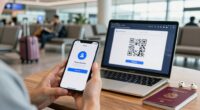
When traveling, securing your passwords is vital to protect your online accounts from theft and unauthorized access. Use strong, unique passwords for each account, and avoid reusing them. Enable two-factor authentication for an extra layer of security, especially on public Wi-Fi. Consider using a trusted VPN and a password manager to organize your credentials and generate complex passwords. By following these tips, you’ll stay safer on the road—and discover how to boost your digital security even further.
Key Takeaways
- Use a trusted password manager to generate, store, and access strong, unique passwords securely while traveling.
- Enable two-factor authentication (2FA) on all accounts for an added layer of security.
- Always connect via a reputable VPN when using public Wi-Fi to encrypt your internet traffic.
- Regularly update passwords and avoid reusing them across multiple accounts for better protection.
- Keep device security features like encryption and biometric access enabled to safeguard your data on the go.
Why Password Security Matters When Traveling
When you’re traveling, your digital security often takes a backseat to the excitement of new places, but neglecting password protection can leave you vulnerable. Sharing passwords might seem convenient, but it risks exposing your accounts to unauthorized access. If your passwords aren’t strong or unique, recovering access after a breach becomes more complicated, especially when you’re away from home. Proper password security helps prevent identity theft and data loss, which can ruin your trip or cause ongoing issues. Using different passwords for each account minimizes damage if one gets compromised. Remember, easy password recovery options won’t help if you don’t have secure, memorable backups. Staying vigilant about password sharing and recovery processes keeps your digital life safe, no matter where your travels take you. Vetted Additionally, understanding password management tools can significantly enhance your security during trips. Incorporating mindful security practices rooted in calm awareness can help you stay centered and in control of your digital safety even amidst travel stress. Being aware of password guidelines helps ensure you create and maintain stronger security habits on the go. Recognizing the importance of unique passwords also reduces the risk of multiple account breaches.
Recognizing Common Travel Cyber Threats
Traveling exposes you to various cyber threats that can compromise your personal information and devices. One common risk is insecure hotel Wi Fi, which hackers often exploit to intercept data or launch attacks. Be cautious when connecting to public networks, and avoid accessing sensitive accounts unless you’re using a trusted VPN. Additionally, travel scams are prevalent, including fake Wi Fi hotspots or phishing emails pretending to be hotel staff. These scams aim to steal your login details or financial information. Always verify network connections with staff, and ignore suspicious links or messages. Recognizing these threats helps you stay alert and protect your digital life. Staying vigilant is key to avoiding cyber dangers while enjoying your trip. It’s also helpful to be aware of the best vacuums for hardwood floors to keep your accommodations clean without hassle. Being familiar with cybersecurity best practices can further enhance your safety on the road. Developing cyber hygiene habits before your trip can also reduce your vulnerability to attacks. Being aware of emerging cyber threats can help you adapt your safety measures as new risks develop.
Creating and Managing Strong Passwords on the Go
Since public Wi-Fi networks can be vulnerable to cyber threats, it’s important to have strong, secure passwords for your online accounts. To create and manage them on the go, consider using a password manager. This tool keeps your passwords organized and helps generate complex, unique passwords for each account. Remember, password complexity is key—mix uppercase and lowercase letters, numbers, and symbols to make hacking harder. When managing passwords, utilizing security best practices can further enhance your online safety. Implementing waterproof running watches and other durable gear can also protect your devices in outdoor environments. Being aware of media literacy principles can help you identify phishing attempts and malicious sites, reducing your risk of compromise. Use a password manager to store and retrieve passwords easily — create complex passwords with a mix of characters — avoid reusing passwords across sites — regularly update your passwords — enable biometric or device-based security for quick access — practicing cybersecurity awareness can help you stay vigilant against evolving threats.
How to Enable Two-Factor Authentication
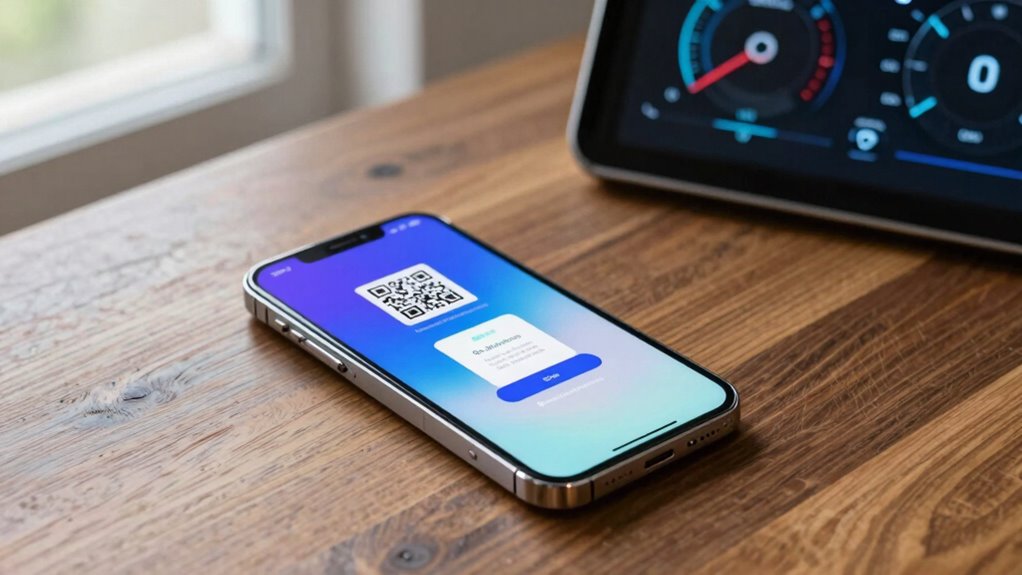
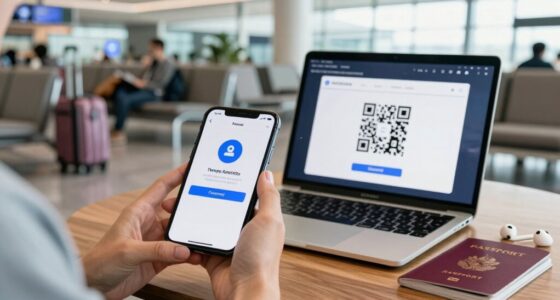
Enabling two-factor authentication (2FA) adds an extra layer of security to your online accounts by requiring a second form of verification beyond your password. To set it up, go to your account settings and look for security options. Many services now support biometric authentication, like fingerprint or facial recognition, as a second factor, making login easier and safer. Using password manager apps can help you generate and store 2FA codes securely, so you don’t have to remember them. Once enabled, you’ll often receive a prompt on your mobile device or a hardware token when logging in. This extra step considerably reduces the risk of unauthorized access, especially when you’re on the go and connecting from unfamiliar networks. Incorporating Water-related security practices can also help protect your digital information, especially when you’re near water or using water-themed environments. Being aware of essential oil safety guidelines is also important if you use oils to support your overall well-being, as improper use can lead to adverse effects. Additionally, understanding requirements traceability can assist in maintaining compliance and ensuring all security measures are properly documented. Implementing proper security protocols related to your online accounts helps prevent vulnerabilities associated with water or moisture exposure to electronic devices.
Staying Secure on Public Wi-Fi
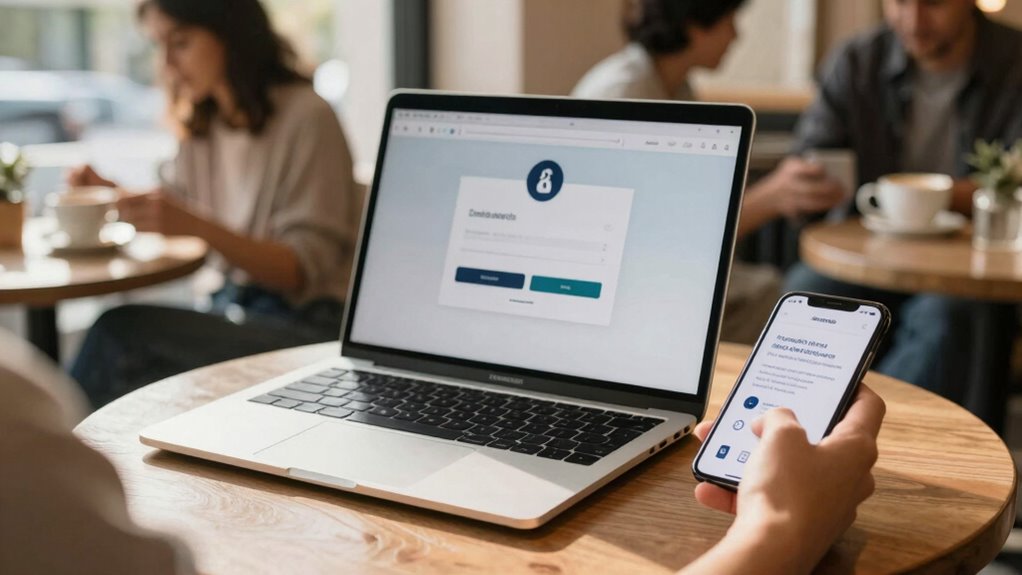
After setting up strong security measures like two-factor authentication, it’s important to stay vigilant when connecting to public Wi-Fi networks. Public Wi-Fi can expose your data to hackers, but you can protect yourself by using a VPN. A VPN encrypts your internet traffic, making it difficult for others to intercept your information. Enable device encryption to add an extra layer of security, especially if your device gets lost or stolen. Remember these tips:
- Always connect through a trusted VPN service
- Avoid accessing sensitive accounts on open networks
- Turn off sharing settings on your device
- Use HTTPS websites for secure browsing
- Disable Wi-Fi when not in use
- Consider using recycled materials in gardening to minimize the environmental impact of your tech accessories
- Be aware of dream symbolism such as clocks and time, which can offer insights into your subconscious and enhance your understanding of life’s mysteries.
- Regularly update your device’s software to patch security vulnerabilities and maintain security best practices. Incorporating proper maintenance of your device’s security features can help prevent unauthorized access. Additionally, being aware of different cultural halal traditions can help you stay respectful and informed while traveling or engaging with diverse communities.
Staying cautious helps ensure your passwords and personal info stay safe on the road.
Frequently Asked Questions
How Often Should I Change My Travel Passwords?
You should change your travel passwords every three to six months to maintain maximum security. Regular password update frequency helps protect your accounts, especially when security protocol changes occur or if there’s a suspicion of compromise. Keep an eye on security updates from providers and update your passwords promptly. This proactive approach ensures your accounts stay safe, giving you peace of mind while on the go.
What Devices Are Safest for Online Banking Abroad?
Think of your device as a trusted companion, like Gandalf guarding the gates. For online banking abroad, opt for a device with strong security features, preferably your personal smartphone or laptop, updated with multi-factor authentication. Avoid public Wi-Fi, which is risky, and use a virtual private network (VPN) to shield your connection. These steps help keep your finances safe and secure, no matter where your travels take you.
Can a Password Manager Work Offline During Travel?
Yes, a password manager can work offline during travel. Many offer offline password storage, so you can access your login details without internet. Just make certain to sync your data before you leave and keep your device secure. For travel password tips, carry a backup of vital passwords securely, and enable two-factor authentication where possible. This guarantees you stay protected and can log in safely, even offline.
What Should I Do if I Suspect a Breach?
Think of your security awareness like a vigilant guard, ready to act if you suspect a breach. If you notice unusual activity, change your passwords immediately and enable two-factor authentication. Review your accounts for unauthorized access and notify your service providers. Keep calm and follow a solid breach response plan. Staying proactive helps protect your information and minimizes damage during a security incident.
Are Biometric Logins More Secure Than Passwords?
Biometric authentication is generally more secure than passwords because it relies on unique physical traits, making it harder for hackers to replicate. Unlike passwords, biometric data isn’t easily stolen or forgotten, enhancing password security. You benefit from quicker access and reduced risk of brute-force attacks. However, guarantee your biometric data is stored securely, and consider using multi-factor authentication for even greater protection.
Conclusion
Traveling doesn’t have to compromise your security—over 80% of data breaches involve weak or stolen passwords. By creating strong, unique passwords, enabling two-factor authentication, and avoiding risky public Wi-Fi, you can stay protected wherever you are. Remember, a little extra effort keeps your personal information safe and your travels worry-free. Stay vigilant, adopt these secure habits, and enjoy your journeys with confidence knowing your digital life is secure.