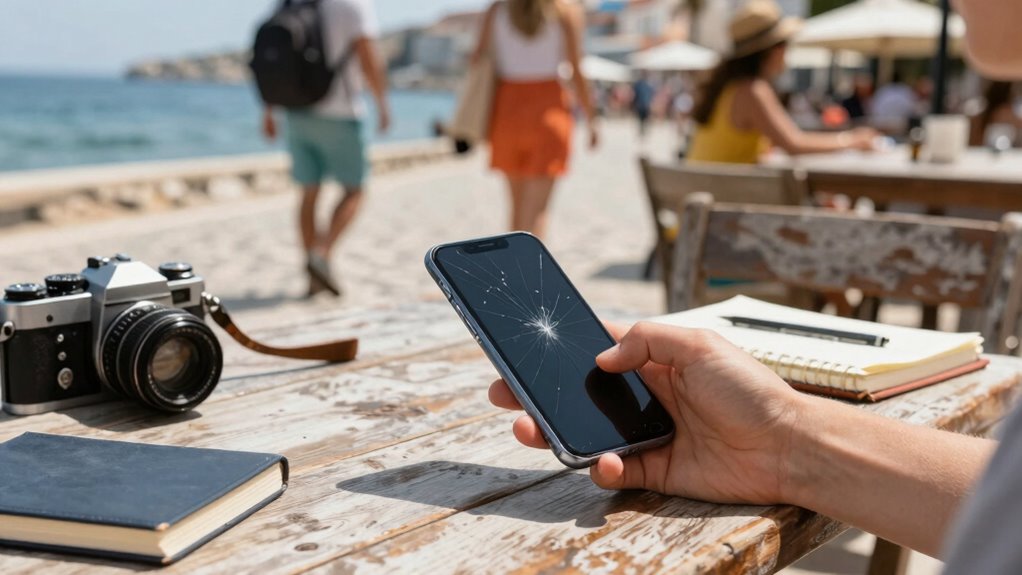

If you lose your phone while traveling, you’re at risk of being locked out of your important accounts. To avoid account takeover, enable two-factor authentication and securely save backup codes offline. Set up a recovery email and trusted contacts to regain access easily. Use a password manager for strong, stored passwords. Avoid public Wi-Fi or use a VPN to protect your data. Continue exploring essential steps to stay secure on your trip.
Key Takeaways
- Enable two-factor authentication and set up backup codes before traveling to ensure account access if your phone is lost.
- Store backup codes securely offline and update them regularly for quick recovery during lockouts.
- Use a password manager to generate and securely store strong, unique passwords for all accounts.
- Activate device tracking features like Find My iPhone or Find My Device to locate or secure your phone remotely.
- Avoid public Wi-Fi for sensitive activities, and use a VPN to protect your accounts from potential cyber threats.
Why Losing Your Phone During Travel Can Lock You Out of Your Accounts

Losing your phone while traveling can unexpectedly lock you out of your accounts because many services rely on your device for quick verification. Without access to your phone, two-factor authentication codes or push notifications become unavailable, blocking entry to your email, banking, and social media accounts. To prevent this, enable device tracking features like Find My iPhone or Find My Device, which can help locate or secure your phone remotely. Additionally, having travel insurance that covers device loss or theft can ease the financial burden and provide peace of mind. Remember, if your phone is lost, these tools and protections are essential to recover your device and maintain access to your accounts, preventing stress and potential security breaches during your trip. Understanding the security features of your devices can further help you prepare for such situations. Being familiar with device recovery options ensures you can act quickly if your phone goes missing. Knowing how to use backup authentication methods can also help you regain access if your primary verification method is unavailable. Moreover, practicing regular backups of your account information can save valuable time and effort in recovery scenarios. Additionally, reviewing account recovery procedures for your most critical services can streamline the process if you find yourself locked out.
How to Enable Two-Factor Authentication Before Your Trip
Before your trip, make sure to enable two-factor authentication on your accounts. Choose reliable apps, set up backup codes, and update your contact info to prepare for any access issues. These steps can prevent you from getting locked out if your phone is lost or stolen. Additionally, understanding your privacy policy can help you manage your data sharing preferences effectively. Incorporating solar security solutions can further enhance your safety and peace of mind during your travels, especially when considering vetted providers like Nightingale Studio. Being aware of regional cultural activities can also help you stay connected and informed about local events during your trip. Utilizing multi-factor authentication adds an extra layer of security beyond just passwords, safeguarding your accounts even if your device is compromised.
Choose Reliable Apps
Choosing reliable apps is essential for securing your accounts before your trip, especially when enabling two-factor authentication (2FA). You want apps with high app dependability to ensure your security measures function smoothly. Before installing or trusting an app, check user reviews to gauge its credibility and effectiveness. Positive reviews often indicate consistent performance and trustworthy security features, reducing the risk of vulnerabilities. Avoid apps with mixed or negative feedback, as they may have security flaws or bugs that compromise your account safety. Selecting well-reviewed, reputable apps helps you confidently enable 2FA, knowing they’re designed to protect your data. Making informed choices about app reliability minimizes potential issues and keeps your accounts secure, giving you peace of mind during your travels. Additionally, verifying the app’s trustworthiness and performance through trusted sources can further ensure your data remains protected. Being aware of privacy policies and how your data is handled by the app can also help you make more informed decisions about its use. Ensuring the app complies with security standards can further enhance your account protection. Furthermore, choosing apps aligned with industry best practices can provide an added layer of security for your accounts. Conducting regular security audits of your app choices is also recommended to maintain ongoing protection.
Set Up Backup Codes
Setting up backup codes is a smart move once you’ve selected trustworthy apps for your two-factor authentication. These codes act as security tokens you can use if your primary authentication method isn’t available, like if you lose your phone. Generate and store these codes securely, ideally offline or in a safe place. Backup codes give you quick access without needing your device, reducing the risk of being locked out. Additionally, consider linking emergency contacts who can verify your identity if needed. Keep these codes and contacts separate from your device to avoid theft or loss. Regularly review your security settings and update your backup codes to stay protected against evolving threats. Incorporating sustainable textile care techniques into your routine, such as using eco-friendly cleaning methods, can further support your overall well-being and environmental responsibility. By preparing backup codes ahead of your trip, you’ll ensure continuous access to your accounts, even in unexpected situations, safeguarding your online presence from potential account takeover. Implementing security best practices regularly can further enhance your protection.
Update Contact Details
Ensuring your contact details are up-to-date is a crucial step in enabling two-factor authentication (2FA) before your trip. Verify that your contact information, like your phone number and email address, is current and accessible. This helps you avoid potential account lockouts and ensures you can receive verification codes via SMS or email if needed. Updating your contact details helps prevent lockouts and simplifies account recovery if your primary device is lost or stolen. Double-check that your recovery options are active and reliable. If you switch numbers or email addresses, update these in your account settings ahead of travel. Contact information accuracy is essential for seamless account access and security. Properly maintaining your recovery options boosts your security and guarantees you can quickly regain access to your accounts, minimizing disruption during your trip. Additionally, understanding the importance of secure contact methods can further enhance your account protection during travel. Being aware of security best practices can help you stay protected even if unforeseen issues arise.
Securely Save Backup Codes for Emergency Access
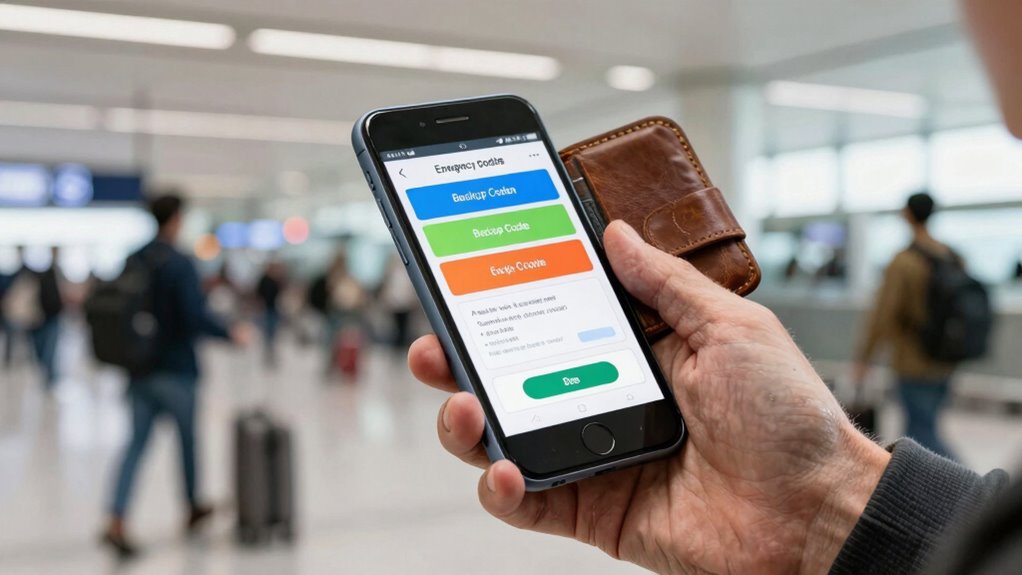
To access your accounts if your phone is lost or stolen, it’s crucial to securely save backup codes. Proper backup code management is a key part of your emergency access planning. Store these codes in a safe, offline location, like a secure physical document or a password manager with strong encryption. Avoid storing them digitally on your device or cloud services, which could be compromised. Consider printing a dedicated backup code sheet and keeping it separate from your devices. Regularly review and update your backup codes, especially after changing passwords or security settings. Incorporating security awareness into your routine helps you stay vigilant about safeguarding sensitive information. Additionally, understanding how firewood handling principles can improve your overall safety and efficiency in emergency situations encourages a proactive approach. By managing backup codes carefully, you guarantee you can regain access to your accounts quickly and securely during emergencies, avoiding prolonged lockouts or potential account takeovers.
Set Up Recovery Email and Trusted Contacts to Regain Access Fast
Setting up a recovery email and trusted contacts guarantees you can quickly regain access if you’re locked out. Make sure your recovery email is current and reliable, so reset links reach you without delay. Additionally, choose trusted contacts who can verify your identity when needed, saving you time and stress during emergencies.
Choose Trusted Contacts
Choosing trusted contacts and setting up a recovery email are essential steps to regain access quickly if your account gets locked or compromised during your trip. Trusted contacts act as allies who can verify your identity and help with account recovery when you’re locked out. Select people you trust and who are reachable, ideally close friends or family members. Inform them beforehand about their role in your account recovery process, so they’re prepared if needed. Their involvement can streamline regaining access and prevent prolonged disruptions. Additionally, ensure your recovery email is active and accessible. Combining trusted contacts with a reliable recovery email creates a safety net, giving you multiple options for quick account recovery and reducing the risk of losing access when you need it most.
Keep Recovery Email Updated
Updating your recovery email regularly is crucial for quick account access if you get locked out. Your recovery email acts as a vital backup for email security and account recovery, especially when traveling. Make sure the email address linked to your account is current and accessible. Check your recovery email periodically to confirm it’s active and secure. If you change your primary email or phone number, update your recovery options immediately. This way, you can receive reset links or codes promptly, preventing prolonged lockouts. Keeping your recovery email up to date minimizes the risk of losing access during emergencies. It also streamlines the account recovery process, helping you regain control quickly if your device is lost or compromised. Stay proactive to safeguard your digital identity while on the go.
Use a Password Manager to Keep Your Logins Safe and Accessible
Using a password manager is one of the best ways to keep your logins safe and accessible while traveling. It enhances password security by generating strong, unique passwords for each account, reducing the risk of hacking. With a password manager, you don’t need to remember dozens of complex passwords—just one master password. This improves login convenience, especially if you’re managing multiple accounts across devices. When your phone is lost or stolen, your passwords stay secure because they’re stored encrypted in your manager. Additionally, many password managers sync across your devices, so you can access your accounts from your laptop or tablet without hassle. Overall, using a password manager helps protect your personal data and simplifies access, making it an essential travel security tool.
Avoid Public Wi-Fi or Use a VPN to Protect Your Data on the Road
While a password manager helps keep your accounts secure, connecting to public Wi-Fi networks can still expose your data to threats. Public Wi-Fi, especially unsecured networks, are prime targets for hackers looking to intercept sensitive information. To protect yourself, avoid using public Wi-Fi for sensitive activities like banking or accessing work accounts. Instead, use a Virtual Private Network (VPN) to bolster VPN security. A VPN encrypts your internet traffic, making it much harder for cybercriminals to eavesdrop on your data. If you must connect to public Wi-Fi, ensure your VPN is active before browsing. This simple step considerably reduces your risk of account takeover and keeps your personal information safe while on the go.
What to Do If You Lose Your Phone or Get Locked Out Abroad?
Losing your phone or getting locked out abroad can quickly turn your trip into a stressful ordeal. First, stay calm and assess your options. Check if your travel insurance covers device loss or theft; it might help replace or repair your phone. Contact your airline or accommodation for assistance, especially if you’re locked out of essential apps or services. Keep a list of emergency contacts saved offline, including local embassies, family, and friends, so you can reach out if needed. If you have access to another device or computer, try to log into your accounts through a web browser. Remember, having your travel insurance details and emergency contacts handy can be lifesavers during such stressful moments.
Top Tips to Prevent Phone Loss and Account Lockouts While Traveling
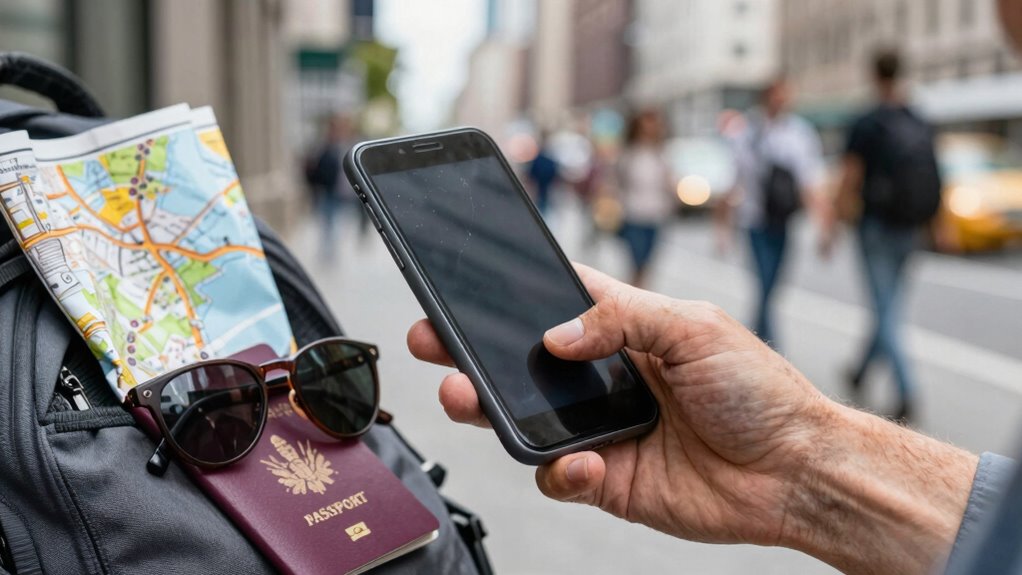
To prevent phone loss and account lockouts during your travels, taking proactive steps can make all the difference. Prioritize phone security by enabling strong passwords, biometric authentication, and two-factor verification. Keep your phone in secure, easily accessible places like a front pocket or a dedicated travel pouch. Use travel essentials such as a sturdy case and a portable charger to keep your device protected and powered. Always back up your data before your trip, so you can recover information if needed. Be cautious in crowded areas to avoid theft, and stay aware of your surroundings. Consider installing tracking apps that allow you to locate or lock your phone remotely. These simple measures help safeguard your device and ensure seamless access to your accounts while traveling.
Frequently Asked Questions
How Can I Prepare for Losing My Phone Unexpectedly During Travel?
You can prepare for losing your phone unexpectedly by backing up important data and storing emergency contacts offline. Consider purchasing travel insurance that covers device loss or theft. Save emergency contacts in a secure, accessible location outside your phone, like a paper list or email. This way, if you lose your phone, you’re ready to contact loved ones and recover essential information quickly, reducing stress and potential account vulnerabilities.
What Are the Best Practices for Managing Multiple Account Recovery Options?
To manage multiple account recovery options effectively, you should verify your contact details regularly, update security questions, and enable two-factor authentication. Keep recovery emails and phone numbers current, and store backup codes securely. Prioritize account security by diversifying recovery strategies, such as linking social media accounts or using authenticator apps. This approach guarantees you can regain access swiftly, minimizing disruptions and safeguarding your accounts during travel.
How Do I Verify My Identity if I Can’t Access My Phone Abroad?
If you can’t access your phone abroad, verify your identity using backup methods like email or security questions. International SIM cards keep your number active, but make sure you’ve set up alternative recovery options beforehand. Travel insurance often covers lost devices, so contact your provider for assistance. Keep important documents handy, and consider using a trusted device or account recovery codes to confirm your identity securely.
Can I Use Biometric Authentication as a Backup During Travel Emergencies?
Yes, you can use biometric security as a backup during travel emergencies. Many apps and devices support emergency authentication with fingerprint or facial recognition, which helps you access your accounts even if your phone is lost or locked out. Confirm you set up biometric authentication beforehand and verify it works across your devices. This way, you have a reliable emergency authentication method, reducing the risk of account takeover while abroad.
What Should I Do if My Backup Codes or Recovery Options Are Compromised?
When your backup codes or recovery options are compromised, don’t panic—they’re like cracked doors inviting trouble. First, change your security questions to stronger, unique answers. Then, verify your identity through email, ensuring it’s updated and secure. Contact your service provider to revoke old recovery options. This proactive approach secures your account, like locking the door tighter, making it harder for someone to walk in unnoticed during your travels.
Conclusion
So, next time you’re jetting off, remember: losing your phone isn’t just a hassle, it’s a backstage pass to lockout land. Enable those two-factor codes, save backup keys, and set up recovery options like your travel insurance for digital mishaps. Because nothing says “adventure” like scrambling for access while everyone else’s having fun. Stay smart, stay secure, and don’t let a lost phone turn your trip into a tech nightmare. Happy travels!