
Before boarding, make sure your device’s battery is healthy by checking its capacity and charging cycles. Enable battery saver mode, dim the screen, and turn off unnecessary notifications and location services to maximize runtime. Carry a portable charger and fully charge your device beforehand. Close background apps and limit data usage for extra efficiency. Doing these steps now helps guarantee your device stays powered throughout your trip—keep going to discover more essential tips for travel-ready batteries.
Key Takeaways
- Activate battery-saving modes, disable non-essential notifications, and reduce screen brightness to extend device usage.
- Fully charge devices and external power banks, and pack necessary accessories like chargers and adapters.
- Review and update travel apps, offline maps, and security settings to prevent disruptions during travel.
- Limit background app activity, location services, and data usage to conserve battery life.
- Assess device battery health and optimize settings based on battery capacity and cycle count for reliable performance.
Why Your Battery Life Matters When Traveling
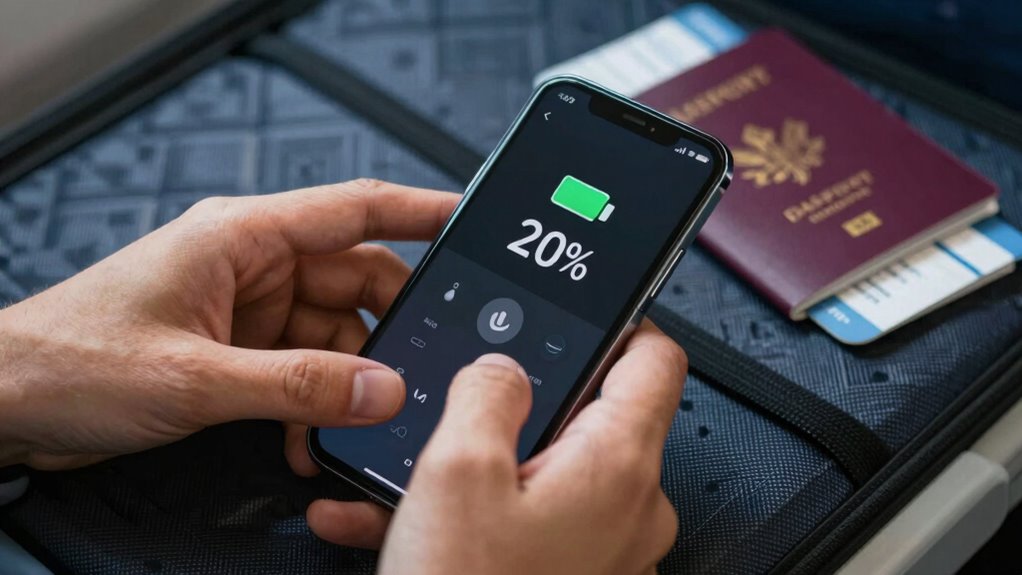
When you’re on the road, your phone’s battery life can be the difference between staying connected and being stranded without help. A reliable battery guarantees your device’s durability, so it holds a charge through long travel days. If your battery is aging or weak, it’s more prone to sudden shutdowns, leaving you without access to maps, translation apps, or emergency contacts. Regular battery replacement can restore your device’s performance and extend its lifespan, giving you peace of mind. Without enough power, you risk missing important alerts or being cut off during critical moments. Protect your travel experience by keeping your battery healthy and understanding your device’s limits. Staying connected is essential, and a good battery setup helps ensure you’re never left in the dark when you need your device most. Additionally, understanding your device’s battery health can help you make informed decisions about maintenance and replacements. Being aware of battery longevity can further optimize your device’s performance during your trips. Maintaining optimal battery efficiency is also crucial for prolonging overall device life and ensuring reliable operation.
How to Check Your Device’s Battery Health Before Your Flight
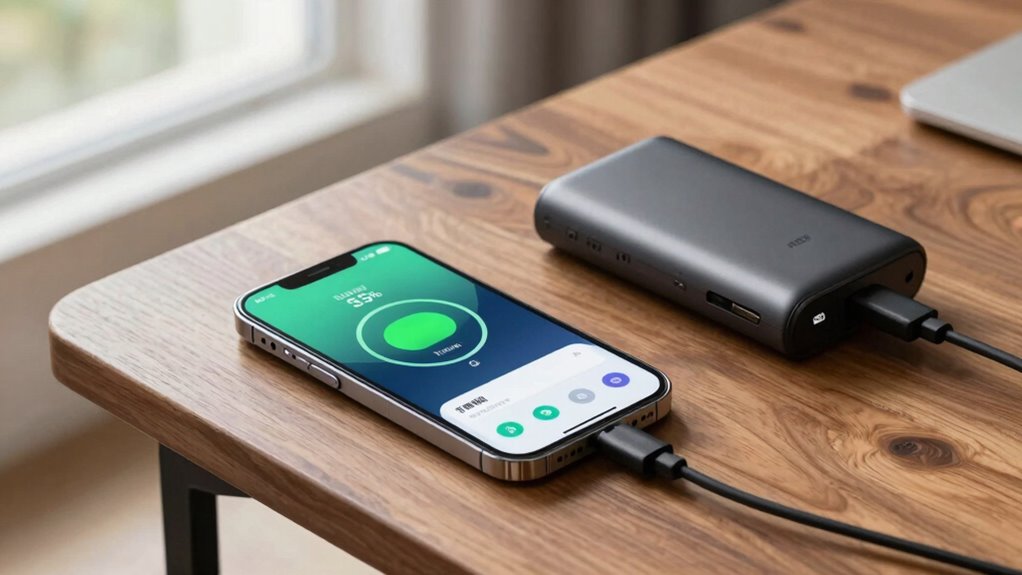
Before your flight, it’s important to check your device’s battery health to avoid surprises. Start by inspecting the battery capacity to see how much charge it can hold, and review the number of charging cycles it has gone through. These steps will help guarantee your device will last through your travels. Additionally, understanding your device’s battery trends can inform you if it’s time for a replacement or further maintenance. Recognizing cultural significance in traditional Indonesian masks can also deepen your appreciation for their craftsmanship and history. Being aware of your device’s overall battery management can further optimize its performance during your trip, and familiarizing yourself with passive voice detection tools can enhance your writing clarity. Monitoring your necessary cookies settings can ensure that essential functions remain active while customizing your browsing experience.
Check Battery Capacity
Ever wonder how healthy your device’s battery really is? Checking your battery capacity helps you gauge its current performance. Start by understanding that battery calibration ensures accurate readings, so occasionally let your device drain completely and then fully charge it. Pay attention to your charging habits—if you frequently overcharge or keep your battery at high percentages, it can degrade faster. To check capacity, use built-in tools or apps that display your battery’s health status. These tools reveal the maximum charge your battery can hold compared to new. If your capacity drops considerably, consider replacing the battery or adjusting your charging routines to extend its lifespan. Knowing your battery’s health helps you plan better and avoid unexpected power loss during travel. Maintaining a healthy battery also involves floating on water, which underscores the importance of proper device handling around liquids to prevent damage. Additionally, understanding battery chemistry can help you make informed decisions about how to care for your device’s power source. Being aware of battery degradation signs allows you to take proactive steps to preserve performance and prevent sudden failures. Regularly monitoring your battery can also help you identify performance issues early, ensuring your device stays reliable on the go. Recognizing battery aging patterns can further assist in planning timely replacements or maintenance.
Inspect Charging Cycles
Wondering if your device’s battery can last through your upcoming trip? It’s essential to examine your charging cycles to assess battery health. Every time you fully charge and discharge your device, you complete a charging cycle. Over time, these cycles impact performance. To check this:
- Use built-in battery health tools on your device
- Look for signs of rapid battery drain
- Ensure your battery is properly calibrated
- Avoid frequent partial charges
- Keep track of total charging cycles through apps
- Proper battery maintenance can extend your device’s lifespan and optimize its performance during your travels. Being aware of your device’s battery cycle count helps you decide if a replacement or calibration is necessary before your trip. Regularly monitoring battery health can also alert you to potential issues before they become critical, ensuring a smoother travel experience. Additionally, understanding how charging habits influence overall battery longevity enables you to make smarter decisions about device usage.
Understanding your battery’s charging cycles helps determine if it needs calibration or replacement. Proper battery calibration ensures accurate power readings, preventing unexpected shutdowns. By inspecting these cycles now, you prepare your device for travel, reducing the risk of battery issues when you’re away.
Activate Battery Saver Mode on Your Phone or Tablet
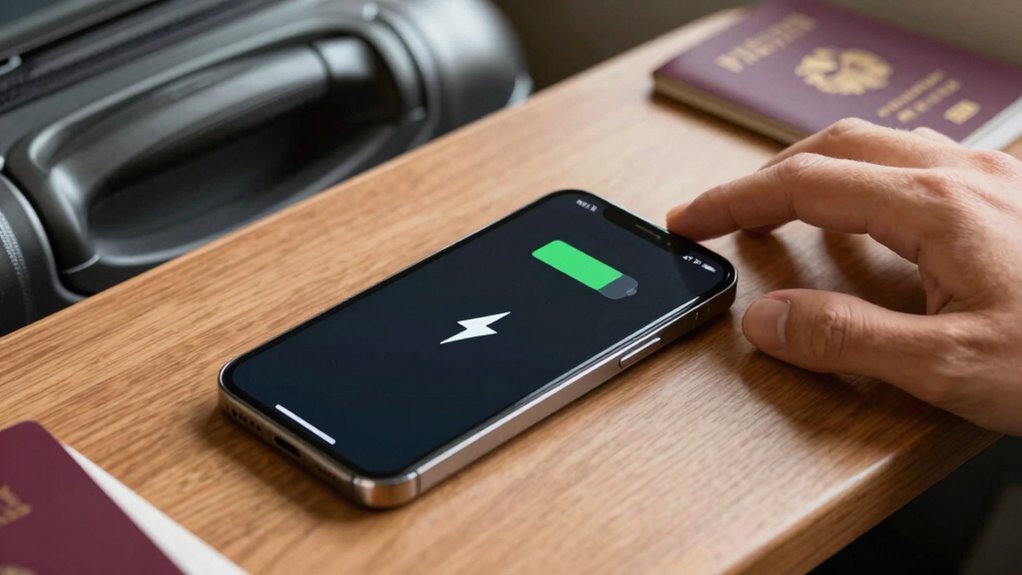
Activating Battery Saver Mode on your phone or tablet is a simple step that can considerably extend your device’s battery life while you’re on the go. Once enabled, it automatically reduces background activity, limits app updates, and dims your screen brightness, conserving power. If you don’t need to stay connected, switching to airplane mode can further save battery by disabling cellular, Wi-Fi, and Bluetooth connections. This is especially useful during long waits or flights when connectivity isn’t essential. Remember, lower screen brightness also helps preserve energy, so adjust it to a comfortable, minimal level. Activating these features before boarding guarantees your device remains functional longer, so you can stay connected or entertained when it matters most. Additionally, familiarizing yourself with essential DIY tools and safety tips can help you troubleshoot or handle any unexpected device issues during your travels. Being aware of power management settings on your device can further optimize battery conservation and ensure you’re prepared for extended periods without charging, especially by understanding battery health maintenance practices.
Adjust Key Settings to Save Power During Travel
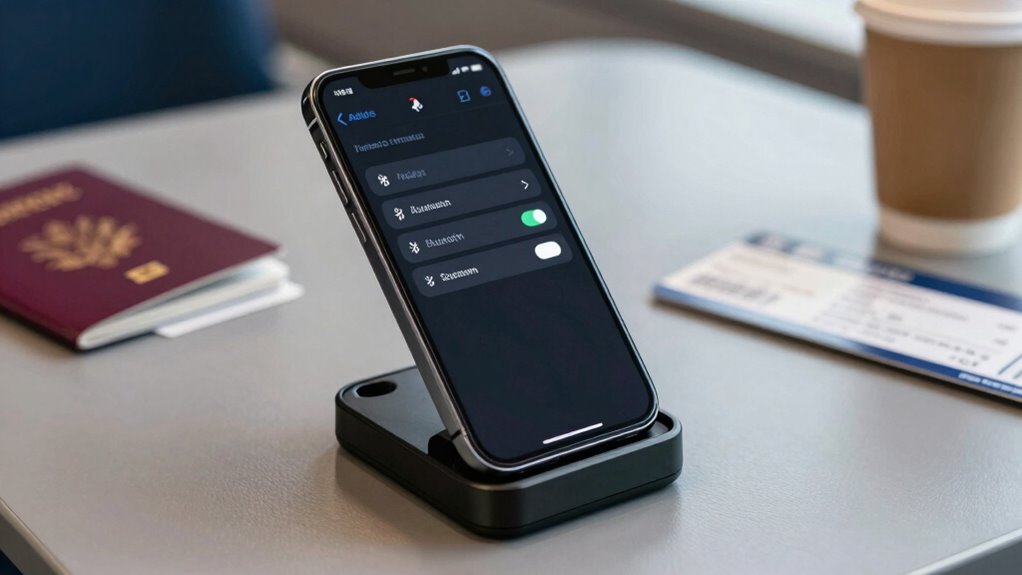
To maximize your device’s battery life during travel, you should proactively adjust key settings like screen timeout, notification preferences, and location services. These tweaks improve power management and guarantee your battery lasts longer. Also, periodically calibrate your battery to maintain accurate readings and optimize performance. Using optimized vacuum features can further reduce background power consumption and extend battery life.
Use External Batteries and Portable Chargers Effectively

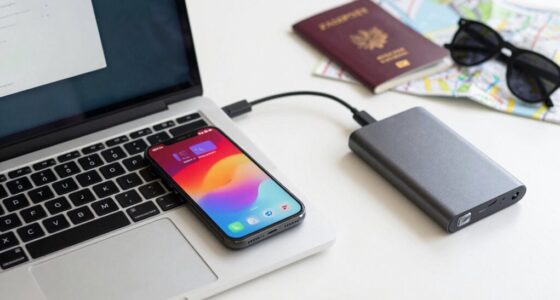
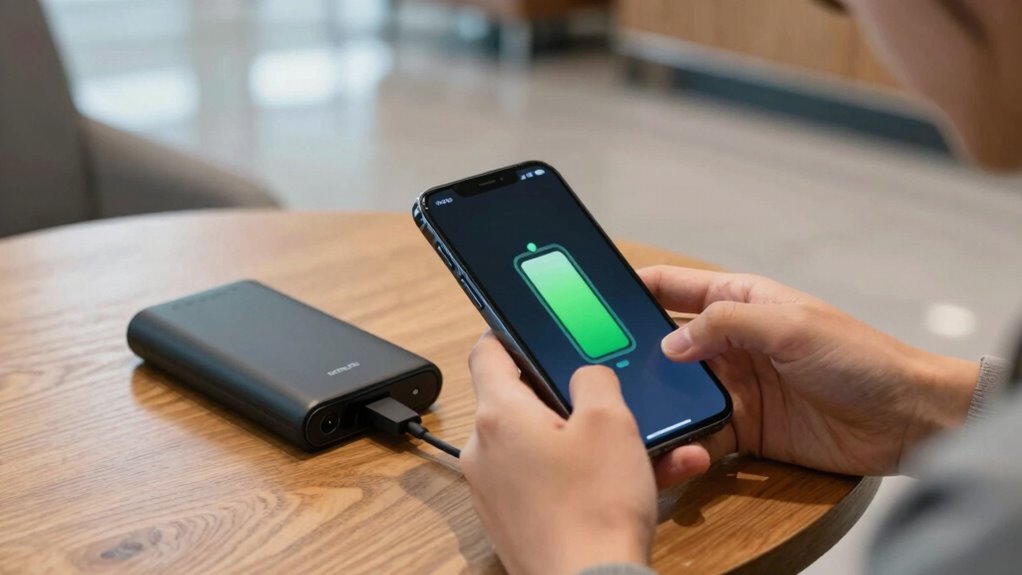
While adjusting your device’s settings helps conserve battery life, carrying external batteries and portable chargers guarantees you won’t be caught without power when it runs out. Use them strategically, keeping a fully charged power bank in your bag for emergencies. Follow good charging etiquette—avoid overcharging your devices or leaving them plugged in unnecessarily. When you’re done, consider battery donation by sharing your charger with a fellow traveler in need. This not only helps others stay connected but also ensures your power bank remains ready to serve you later. Keep your portable charger handy, especially during long waits or delays, so you can quickly top off your device without hassle. Using external batteries responsibly maximizes their usefulness and keeps you connected on your journey. Remember, choosing the right portable charger with proper capacity and safety features can prevent potential hazards and ensure reliable power when you need it most. Additionally, understanding battery technology can help you select the most efficient and durable portable charging options for your travels. Being familiar with the relationship between battery capacity and device usage can further optimize your charging strategy, ensuring your devices last throughout your adventures and maximize your travel efficiency. Incorporating monitoring tools to track your power bank’s performance can help you manage your energy reserves more effectively.
Tips to Manage Apps and Notifications for Better Battery Life
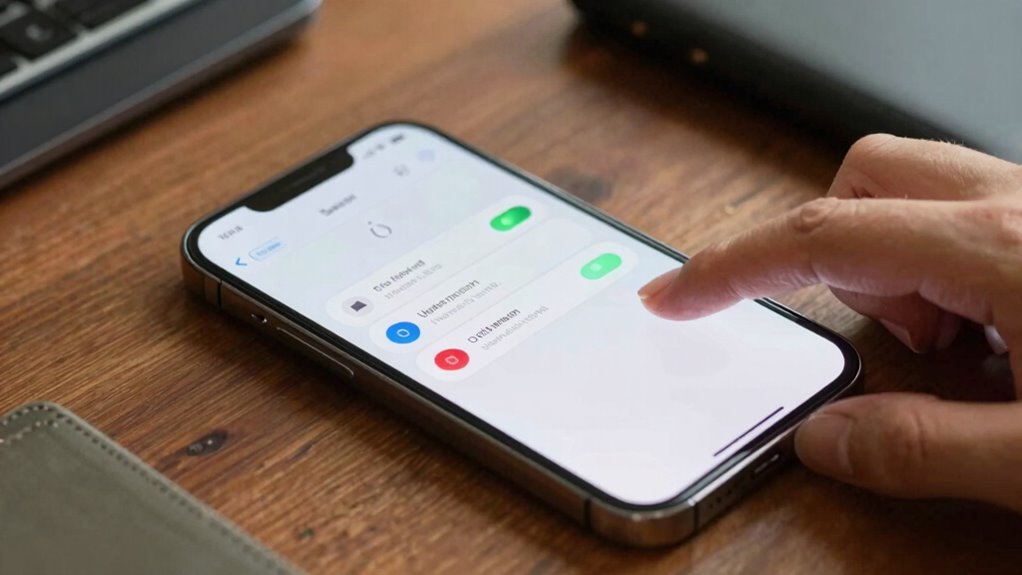
To extend your battery life, start by limiting background activities for apps that don’t need constant updates. Adjust your notification settings to only receive alerts that matter, reducing unnecessary power drain. Finally, enable power-saving modes whenever possible to optimize your device’s performance during travel. Utilizing app management tools can also help identify and shut down energy-consuming processes. Additionally, regularly reviewing and updating your device settings can ensure you’re making the most of your battery-saving strategies on the go. Incorporating sound healing techniques, like mindful listening, can also help reduce stress, indirectly conserving battery by encouraging less frequent device interaction.
Limit Background Activities
Since many apps continue running in the background and consuming power even when you’re not using them, managing these activities can greatly extend your device’s battery life. Focus on background app management by closing unused apps and disabling unnecessary processes. Adjust your screen timeout settings to ensure your screen turns off quickly when idle, saving energy. Limiting background activities prevents apps from draining power without your knowledge.
Consider these tips:
- Close apps running in the background when not in use
- Turn off auto-refresh for apps that don’t need real-time updates
- Disable location services for non-essential apps
- Restrict background data usage in settings
- Use power-saving mode to automatically limit background activities
Adjust Notification Settings
Managing your notification settings can considerably reduce battery drain caused by constant alerts and app activity. By practicing effective notification management, you minimize unnecessary wake-ups and background processes that consume power. Start by disabling notifications for non-essential apps or setting them to deliver alerts only when important. This helps prevent your device from constantly checking for updates, which drains your battery faster. Additionally, review app permissions and restrict background activity to optimize app performance. Some apps may send frequent notifications, so customize their settings to limit these alerts or turn them off entirely. Proper app optimization through notification management ensures your device stays powered longer, especially during travel when charging options are limited. This simple step can make a noticeable difference in extending your device’s battery life.
Use Power-Saving Modes
Activating power-saving modes can substantially extend your device’s battery life, especially when you’re on the go. These modes optimize battery usage by limiting background activity and reducing device performance. To maximize their benefits, customize settings to suit your needs.
- Turn on battery saver mode from quick settings.
- Disable unnecessary app notifications.
- Reduce screen brightness and timeout duration.
- Limit background app refresh and data usage.
- Switch off location services when not needed.
Final Checklist: Prepare Your Device for a Long Trip
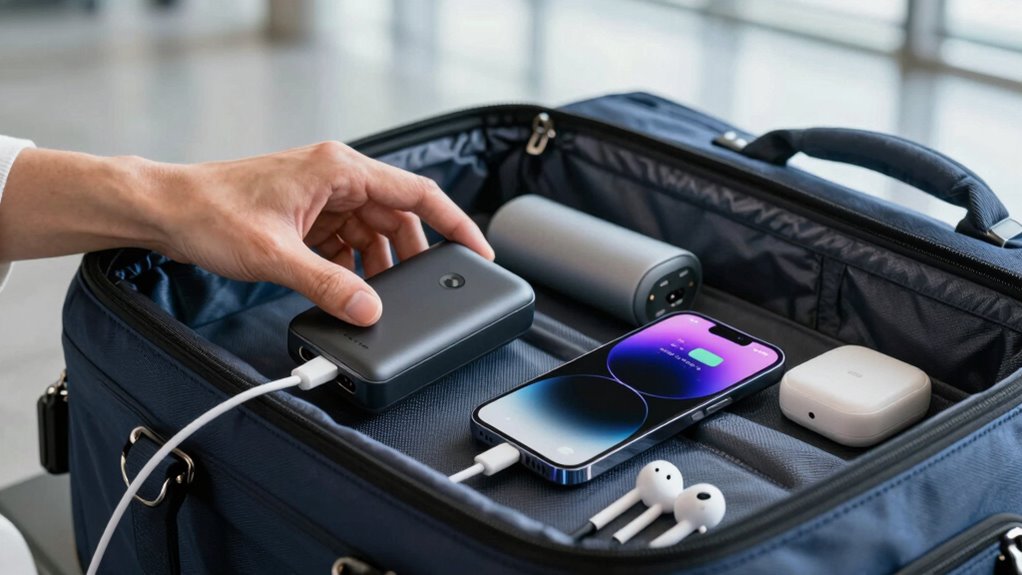
Before you hit the road, it’s essential to verify your device is fully prepared for the journey ahead. Make certain your phone or tablet is charged, with a portable charger ready if needed. Update your apps, especially travel insurance and map apps, to avoid issues during your trip. Check your baggage weight to prevent extra fees or delays, and pack necessary accessories like earbuds and adapters. Save important documents offline, including your travel insurance details and identification. Clear unnecessary files to optimize storage, and enable offline maps for navigation. Confirm your device’s security settings and back up critical data. A well-prepared device keeps you connected and minimizes stress, making your journey smoother and more enjoyable from the start.
Frequently Asked Questions
Can I Customize Battery Saver Settings for Different Travel Scenarios?
Yes, you can customize battery saver settings for different travel scenarios. You should adjust features like adaptive brightness to save power in bright environments and turn on notification management to reduce unnecessary alerts. By customizing these settings, you guarantee your device conserves energy efficiently during various situations, such as long flights or outdoor adventures. This tailored approach helps extend your battery life and keeps your device ready when you need it most.
How Do Airplane Mode and Battery Saver Mode Interact?
Think of airplane mode as a gentle pause for your device, quietly optimizing battery life. When you turn on airplane mode, it disables cellular, Wi-Fi, and Bluetooth, effectively enhancing battery savings. Battery saver mode then works to limit background activity and lower screen brightness. Together, these modes complement each other, maximizing battery optimization. Using both guarantees your phone conserves power during travel, letting you stay connected longer without unnecessary drain.
Are There Any Risks to Overusing External Batteries?
Overusing external batteries can pose safety concerns, especially if you don’t follow proper handling guidelines. While they help prevent power drain, excessive charging or poor-quality units may overheat or cause fire hazards. To stay safe, use reputable brands, avoid leaving them in hot environments, and don’t overcharge. Regularly inspect your external batteries for damage, and follow manufacturer instructions to minimize risks and guarantee reliable power on your travels.
What Apps Consume the Most Power During Travel?
They say “a little knowledge is a dangerous thing,” and that’s true for power-hungry apps during travel. Power intensive apps like streaming services, navigation, and social media often run in the background, draining your battery faster. To conserve power, close unnecessary apps, disable background activity, and limit usage. Staying mindful of these apps helps extend your device’s life, ensuring you stay connected when it matters most.
How Can I Extend Battery Life Without Sacrificing Essential Features?
To extend your battery life without sacrificing essential features, focus on power management and app optimization. Turn off unnecessary notifications and background app refreshes, and lower screen brightness. Use battery saver mode when needed, and close apps you’re not using. Regularly update your apps for efficiency, and disable location services for apps that don’t need them. These steps help conserve power while keeping your device functional for your trip.
Conclusion
Before you board, imagine your device as a trusty companion, ready to keep you connected through bustling airports and scenic journeys. With a fully charged battery, you’re free to capture memories, navigate new places, and stay in touch without worry. Just a few quick steps—checking health, activating saver mode, and packing a portable charger—set the stage for a smooth, worry-free trip. So, gear up now and let your device be your travel ally every mile of the way.