

Offline maps are essential for reliable navigation when your signal drops, especially in remote areas. They prevent you from getting lost by offering accurate, up-to-date data even without internet access. Choose a user-friendly app with features like route planning and terrain visualization, and download your maps in advance. Regular updates and troubleshooting help keep your maps accurate. If you want to stay confident on your journeys, exploring more tips and tools will guarantee you’re fully prepared.
Key Takeaways
- Download and update offline maps in advance to ensure navigation without internet connectivity.
- Choose reliable offline map apps with features like route planning, POIs, and terrain visualization.
- Regularly calibrate GPS and verify location settings for improved accuracy in remote areas.
- Organize and manage map files, removing outdated data and enabling automatic updates.
- Carry backup tools like printed maps or alternative navigation methods for added security.
Why Offline Maps Are Essential for Reliable Navigation
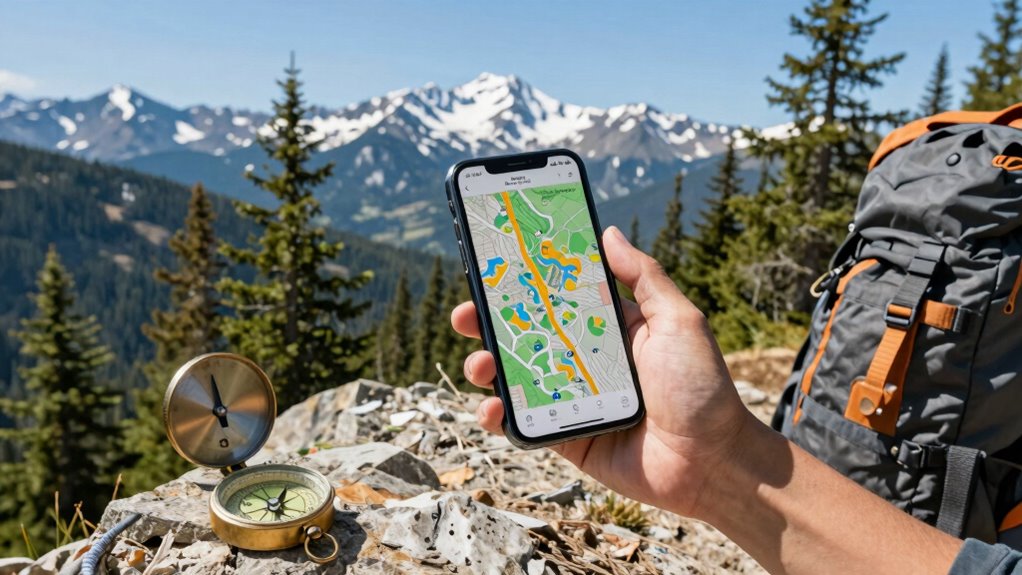
Even in today’s connected world, relying solely on online maps can leave you stranded when signals drop or data plans run out. Offline maps ensure you have access to accurate map data even without internet. They provide reliable navigation, especially in remote areas where signal strength is weak or nonexistent. Map data accuracy is vital; outdated or incorrect information can lead to wrong turns or missed destinations. Offline maps also enhance offline map security by reducing your vulnerability to hacking or data breaches since no live connection is needed. By having a trusted offline map, you gain peace of mind knowing your navigation is dependable regardless of network issues. Additionally, Map data accuracy is crucial; even minor discrepancies can cause significant navigation errors. Using cultural artifacts as landmarks can further improve orientation when digital tools are unavailable. Incorporating GPS technology can also boost the precision of offline navigation, making your journeys safer and more efficient. Moreover, understanding how to update and verify your map data ensures ongoing reliability during your travels, especially when regular updates are performed.
How to Choose the Best Offline Map App for Your Needs
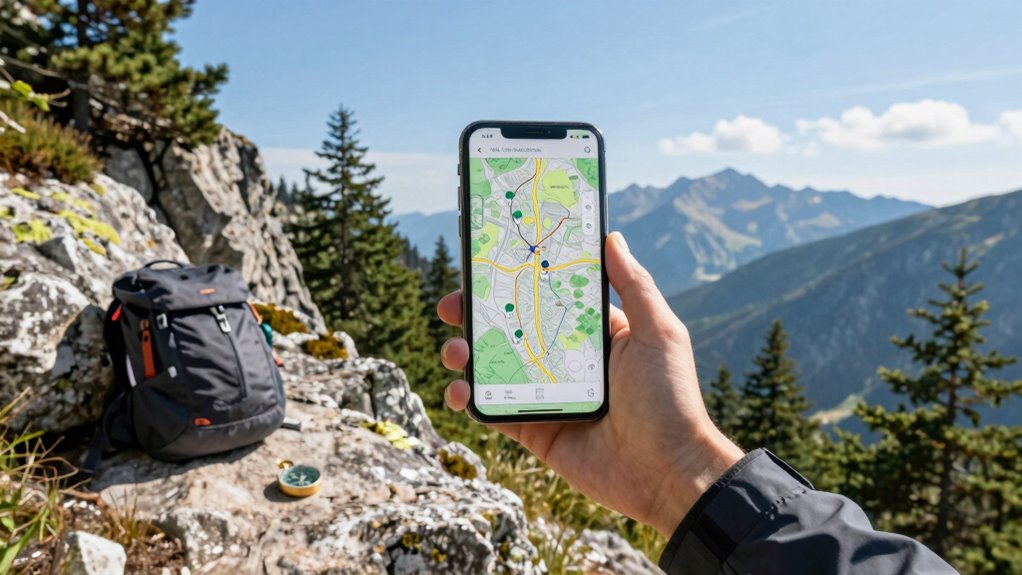
Choosing the best offline map app depends on your specific needs and how you plan to use it. First, consider app compatibility with your device—some apps work better on certain operating systems or devices. Next, look for options that offer map customization, allowing you to select specific areas or features you need, which can save storage space and improve usability. Think about the app’s features, such as route planning, points of interest, or real-time updates, even offline. Also, check user reviews and ratings to gauge reliability and ease of use. Additionally, understanding the content formats used by different apps can help you choose one that best suits your learning or exploration style. To ensure a reliable navigation experience, it’s helpful to select an app that regularly updates its offline maps and features. Moreover, considering digital safety practices can help protect your data while using these apps. Being aware of privacy policies and how your data is managed can further enhance your confidence in your chosen app.
Step-by-Step Guide to Download Offline Maps on Your Smartphone

Once you’ve selected the right offline map app for your needs, the next step is to learn how to download maps onto your smartphone. Start by opening the app and making sure it’s compatible with your device. Then, follow these steps:
Choose an offline map app, open it, ensure compatibility, then follow steps to download maps for offline use.
- Navigate to the map or area you want to download.
- Tap the download button or menu option for offline maps.
- Adjust map customization options if available, such as zoom levels or specific routes.
- Confirm the download, making sure you’re connected to Wi-Fi to save data.
- Remember that technology adoption influences how effectively offline maps can be integrated into your navigation habits. Being aware of your device’s software updates can also improve performance and compatibility. Additionally, staying informed about map update frequency ensures you have the latest data for accurate navigation. Proper storage capacity is also crucial to prevent issues during the download process. By regularly checking for app updates, you can ensure your offline maps function smoothly and securely. This process ensures your maps are ready for offline use, even in remote areas. Pay attention to app compatibility and map customization features, which improve your navigation experience and prevent surprises when your signal drops.
Top Tips for Navigating With Offline Maps in Remote Areas
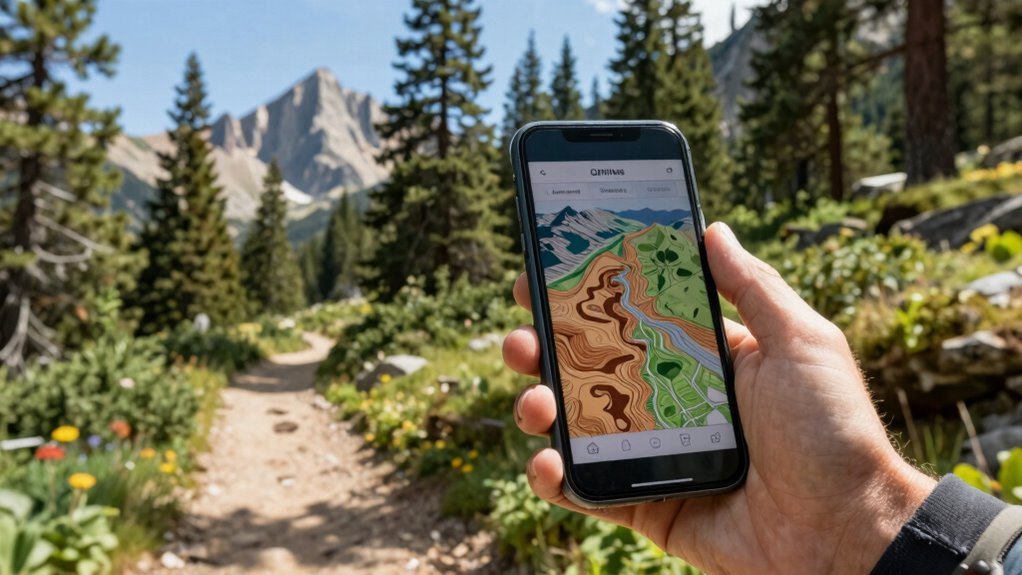
Navigating with offline maps in remote areas requires careful preparation and awareness of your surroundings. To improve your GPS accuracy, always calibrate your device and use features like compass mode. Map customization is key—add labels, waypoints, or landmarks to make navigation easier. Keep a backup plan, such as printed maps, in case technology fails. When planning your route, review terrain features and adjust your map details accordingly. Here’s a quick guide:
| Tip | Why it matters |
|---|---|
| Calibrate your GPS | Ensures more accurate positioning |
| Customize your map | Highlights key landmarks and routes |
| Use a compass feature | Confirms direction when signals are weak |
| Save waypoints for critical spots | Quickly reorient in unfamiliar terrain |
| Familiarize yourself with topographical data | Enhances navigation in challenging environments. Additionally, understanding geographical features can help you interpret your surroundings more effectively. Recognizing natural landforms can assist in orienting yourself when electronic devices are unreliable. Being aware of elevation changes can also inform your navigation decisions in varied terrain. Being familiar with off-grid navigation techniques can further improve your ability to stay on course without relying on digital tools. |
How to Update and Manage Your Offline Maps for Accuracy

Keeping your offline maps accurate is essential for reliable navigation, especially in remote areas where connectivity is limited. To guarantee your maps stay current, consider these map management tips:
- Check the map update frequency regularly, ideally before each trip or every few weeks.
- Enable automatic updates if your app offers this feature to stay current without manual effort.
- Download updates in advance when you have a reliable internet connection.
- Organize your maps by region, removing outdated or unnecessary files to save storage and avoid confusion.
Common Offline Map Mistakes and How to Avoid Them
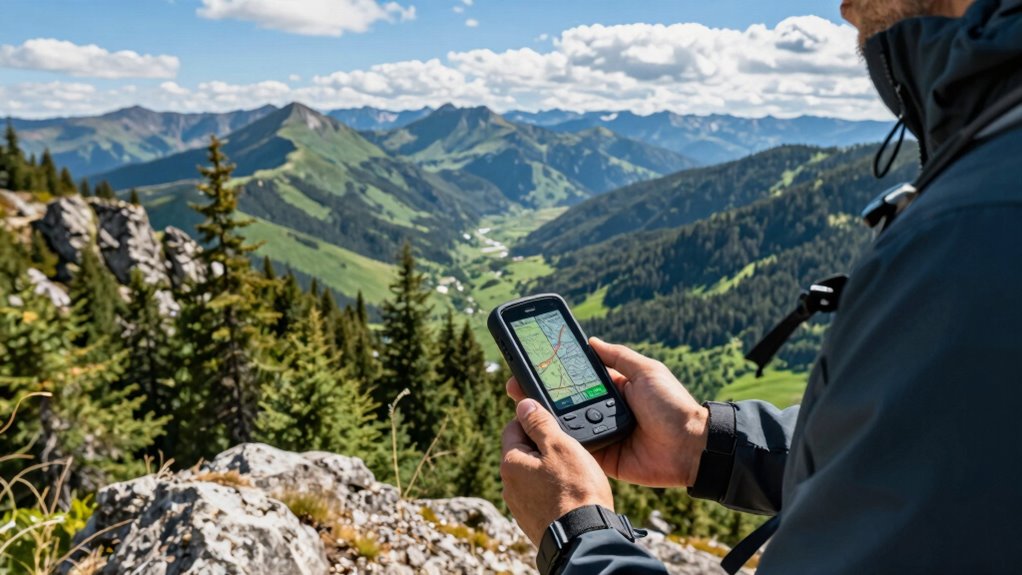
One common mistake is relying on outdated maps, which can lead to navigation errors or getting lost. Map download errors often result in incomplete or corrupted offline maps, causing you to miss critical updates. Outdated map data may show closed roads or new trails incorrectly, leading you astray. To avoid this, check that your maps are current before heading out. Here’s a quick visualization:
| Map Version | Last Updated | Potential Issue |
|---|---|---|
| Version 1.0 | Jan 2022 | Outdated info, errors |
| Version 2.0 | Dec 2022 | Slightly outdated |
| Version 3.0 | Apr 2023 | Most current, reliable |
Always verify your maps are the latest version to prevent mistakes caused by outdated data and download errors.
Troubleshooting Offline Map Issues and Staying Prepared

When offline map issues arise, quick troubleshooting can save you from getting lost or wasting time. First, check your GPS accuracy—poor signals can cause navigation errors. Second, ensure your map data is up to date and correctly downloaded. Third, verify your device’s location settings are enabled and optimized. Fourth, explore your map’s customization options; adjusting layers or labels can improve clarity. Keeping these steps in mind helps you address common offline map problems swiftly. Staying prepared means regularly updating maps, calibrating your GPS, and practicing troubleshooting. This way, you avoid surprises when signals drop and maintain reliable navigation even in challenging environments. Being proactive guarantees your offline maps serve you well, no matter the situation.
Which Offline Map App Is Right for Hikers and Travelers?
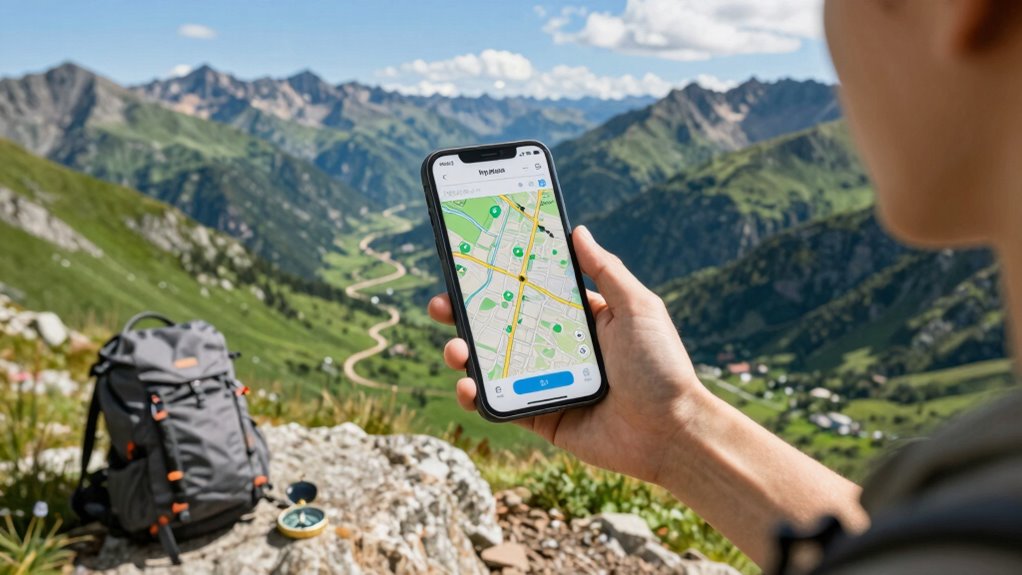
Choosing the right offline map app can make all the difference when you’re exploring remote trails or unfamiliar cities. Look for apps that offer robust map customization so you can highlight paths, landmarks, or terrain features tailored to your needs. Compatibility is also key—ensure the app works seamlessly with your device and operating system. Imagine this:
| Trail Maps | City Streets | Topographic Layers |
|---|---|---|
| Custom routes | Offline POIs | Elevation data |
| Landmarks marked | Navigation mode | Terrain shading |
| Personal notes | Search functions | Layer toggling |
This visual helps you see how different apps cater to outdoor adventurers versus urban explorers, so pick one that fits your style and device compatibility. Additionally, understanding map customization options can help you tailor your navigation experience to specific environments or preferences.
Frequently Asked Questions
Can Offline Maps Be Used for Real-Time Traffic Updates?
Offline maps generally can’t provide real-time traffic updates because they rely on an active internet connection for current map updates. However, some apps allow you to download recent traffic data before your trip, so you can view limited real-time traffic information offline. Keep in mind, for the most accurate and live map updates, you’ll need an internet connection. Offline maps are great for navigation, but they have limits regarding real-time traffic updates.
Are Offline Maps Compatible With All Smartphone Operating Systems?
Offline maps are compatible with most smartphone operating systems, but you should check the specific map app’s device compatibility requirements. Before downloading, make certain your device meets these map download requirements to avoid issues. Compatibility checks are essential because some apps may not support older or less common operating systems. By verifying device compatibility, you ensure smooth use of offline maps, no matter your device type.
How Much Storage Space Do Offline Maps Typically Require?
Like a vintage map in a modern world, offline maps usually require between 150MB to 1GB of storage space, depending on the area and detail. Map storage considerations include regional coverage and map detail level, which influence size. Keep in mind, offline map updates guarantee you have current information, but they can also increase storage needs. Regularly managing your downloads helps prevent running out of space unexpectedly.
Do Offline Maps Work Without an Internet Connection at All Times?
Offline maps work without an internet connection, but you should be conscious of offline map limitations. They don’t update automatically, so you need to manually download updates before your trip to ensure accuracy. Without updates, your maps might lack recent changes or new roads. While they’re reliable for navigation offline, regularly updating your offline maps helps avoid getting lost due to outdated information.
Can I Share Offline Maps With Other Devices or Users?
Think of your offline map as a secret scroll you can share with fellow explorers. You can easily perform map sharing by exporting your offline maps and sending them via Bluetooth or email. Device synchronization allows you to keep your maps up-to-date across multiple devices, guaranteeing everyone’s on the same path. Just make certain the apps support sharing features, so your map’s journey continues seamlessly, no matter where you go.
Conclusion
Just like a trusty compass keeps you on course, offline maps guarantee you’re never truly lost when signals fade. By choosing the right app, downloading updates, and following our tips, you’ll navigate confidently in any terrain. So, don’t let a dead signal catch you off guard—prepare ahead, stay aware, and enjoy your adventures with peace of mind. Remember, with offline maps, you’re always in control, no matter where the road takes you.