
To use two-factor authentication while traveling without locking yourself out, prepare your devices beforehand by updating apps, setting strong passwords, and backing up recovery codes or secondary methods. Choose reliable methods like biometric or hardware tokens, and link your accounts across devices. Install and test your 2FA setup early, and keep backup options accessible offline. Regularly verify access and synchronize device clocks to stay connected. Keep exploring to learn how to handle any issues that arise on the go.
Key Takeaways
- Set up backup verification methods like recovery codes or secondary authentication options before traveling.
- Synchronize authentication apps across multiple devices to ensure seamless access.
- Store backup codes securely offline or print them for use without internet connectivity.
- Test your 2FA setup on all devices before departure to prevent lockouts during travel.
- Keep backup options, such as hardware tokens or recovery methods, readily available in case of device issues.
Get Your Devices and Backup Options Ready Before You Travel

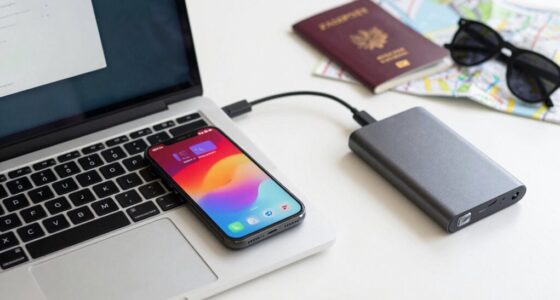
Before you hit the road, make sure your devices are fully charged, updated, and secure. Check device compatibility with the authentication methods you’ll use while traveling—some apps or services might require specific hardware or software versions. It’s also wise to set up backup plans in case your primary device fails or gets lost. Consider saving backup codes or enabling alternative authentication options, like SMS or email verification, ahead of time. Verify your devices are protected with strong passwords and encryption, so your data stays safe. Updating your apps and firmware minimizes security vulnerabilities. Additionally, review your authentication preferences to ensure they are compatible with your travel plans. Being aware of digital safety best practices helps prevent security breaches and account lockouts during your trip. By preparing your devices and backup options before departure, you reduce the risk of getting locked out, ensuring smooth access to your accounts even if unexpected issues arise during your trip.
Choose the Best 2FA Method for Your Travel Routine
Choosing the right two-factor authentication (2FA) method depends on your travel routine and the types of devices you’ll be using. If you prefer quick access and have reliable internet, biometric security like fingerprint or facial recognition offers convenience and strong security. For trips where connectivity is limited, hardware tokens provide a physical backup that isn’t dependent on internet access. Hardware tokens are durable and portable, making them ideal for travel. Consider your comfort with carrying extra devices and the level of security each method offers. Combining biometric security with hardware tokens ensures you have options if one method becomes inaccessible. Additionally, understanding the importance of multi-factor authentication can enhance your overall digital security strategy. Being aware of potential security vulnerabilities associated with each method helps you make informed choices. For example, staying updated on authentication methods can help you adapt to evolving threats and device compatibility issues. Staying informed about security best practices can also help you prevent common pitfalls that lead to lockouts or breaches. Incorporating advanced security features like biometric fallback options can further improve your protection during travel. Ultimately, selecting a 2FA method aligned with your travel habits balances security with ease of use, helping you stay protected without risking lockout.
Set Up 2FA on Your Devices Before Your Trip
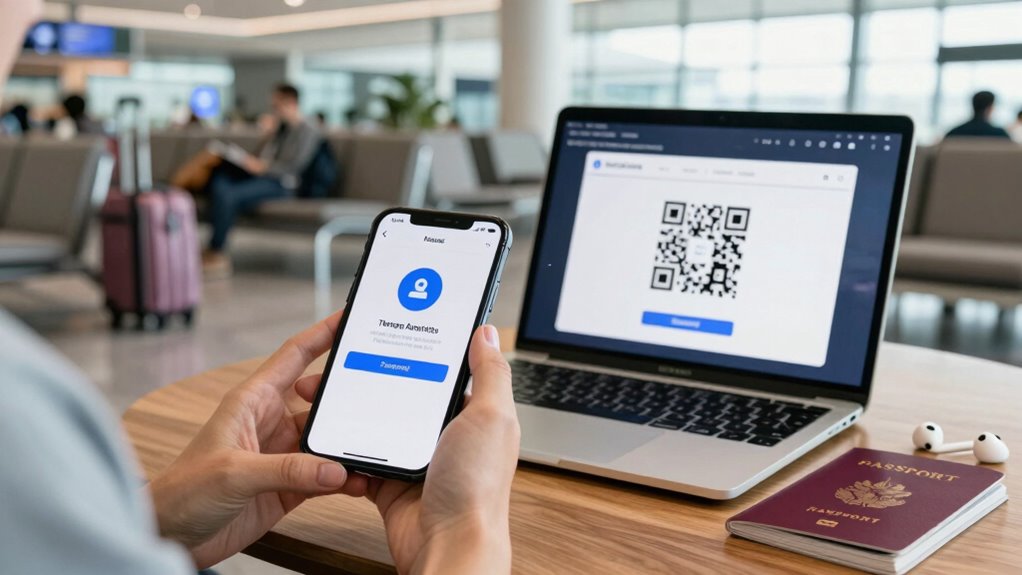
Getting your 2FA set up on your devices well in advance of your trip guarantees you won’t be caught off guard when you need access. First, check device compatibility—ensure your authentication app or hardware token works with all your devices, including smartphones, tablets, and computers. Install or configure your chosen 2FA method early, so you’re familiar with the setup process. Also, set up backup security options, like recovery codes or secondary authentication methods, in case your primary device is lost or inaccessible. Additionally, verify the integrity of your security measures to prevent potential issues during your travels. To prevent authentication issues, consider testing your setup on all devices before departure. This proactive approach helps prevent lockouts during travel and reduces stress. Testing your setup before departure ensures everything functions smoothly, giving you confidence that your accounts remain protected and accessible throughout your trip. Practicing these steps contributes to a smoother travel experience.
Manage 2FA While Traveling: Tips for Easy Access
Managing your 2FA while traveling can be straightforward if you plan ahead. Ensure device synchronization by linking your authentication apps across devices, so you can access codes from multiple sources. Keep backup codes in a secure, accessible location, like a password manager or a physical safe. This way, you won’t get locked out if your primary device is unavailable. Regularly review and update your backup codes to prevent expiration issues. It’s also helpful to understand the security benefits of using two-factor authentication to motivate proper management. Here’s a quick guide:
| Tip | Action | Benefit |
|---|---|---|
| Device sync | Link apps to multiple devices | Access codes anywhere |
| Backup codes | Store securely and update regularly | Prevent lockouts |
| Offline access | Save codes offline or print | Use without internet |
| App backups | Backup authentication app data | Recover easily if device lost |
| Test access | Verify 2FA access on the go | Avoid surprises during travel |
| Device compatibility | Ensure your devices support your authentication apps | Seamless access across devices |
| Time synchronization | Keep your device clocks accurate to ensure codes work properly | Prevent authentication errors |
| Cloud synchronization | Use apps that support cloud backup to keep your 2FA data safe | Simplify recovery processes |
| Remember to review two-factor authentication settings periodically to ensure your access remains reliable.
Troubleshoot 2FA Lockouts and Access Issues on the Road

When you encounter a 2FA lockout while traveling, quick action can prevent prolonged access issues. First, use your backup codes—stored securely beforehand—to regain entry if your authentication device isn’t accessible. These codes are crucial during travel disruptions. If you’re locked out due to device synchronization issues, try to verify your identity through alternative methods, such as email or security questions. Confirm your devices are synchronized before travel, so authentication apps are up-to-date and functioning correctly. Keeping backup options ready minimizes downtime. If all else fails, contact customer support for account recovery procedures. Having backup codes on hand and maintaining proper device synchronization are essential steps to troubleshoot 2FA lockouts swiftly, keeping your access seamless even when traveling. Additionally, staying informed about best anime movies and other entertainment options can help pass the time during unexpected delays or lockouts. To better understand how time symbolism plays a role in personal security, familiarize yourself with common digital authentication practices. Regularly updating your security settings can also prevent future lockouts and enhance your overall account safety. Being aware of authentication methods can provide you with more tools to troubleshoot and avoid lockouts effectively. Moreover, understanding protocols for secure access can help you implement better security habits while on the go.
Frequently Asked Questions
What Should I Do if I Lose My Primary 2FA Device During Travel?
If you lose your primary 2FA device during travel, don’t panic. Start by using backup devices or recovery codes you saved earlier to regain access. Contact your account provider for help with account recovery options. It’s also a good idea to set up multiple backup devices beforehand, so you’re prepared if one gets lost. Acting quickly guarantees you won’t be locked out of your accounts for long.
Can I Temporarily Disable 2FA for Certain Accounts While Traveling?
Think of your accounts as a fortress, and 2FA as the drawbridge. You can temporarily disable 2FA for certain accounts to ease access during travel, but do so cautiously. Many services allow you to enable temporary disablement or set up backup options, ensuring you maintain account access without compromising security. Just remember, it’s a delicate balance—disable it only when necessary, then re-enable to keep your defenses strong.
How Do I Access 2FA Codes if My Phone Battery Dies?
If your phone battery dies, you can access your 2FA codes through backup methods like recovery codes or backup Authenticator apps. Keep these codes stored securely offline or in a password manager. Some Authenticator apps also offer cloud backup options or multi-device syncing. Before traveling, make certain you’ve set up these backup methods, so you won’t get locked out if your phone battery dies or if you lose access to your primary device.
Are There Risks of Using Backup Methods Like SMS Abroad?
Using backup methods like SMS abroad can be risky; think of it as leaving your house key under the doormat—convenient but vulnerable. SMS security isn’t foolproof, especially internationally, where hackers might intercept texts or your provider could face outages. To stay safe, consider using authenticator apps or secure backup codes instead, reducing the risks associated with relying solely on SMS as a backup method when traveling.
What Are Best Practices for Storing Backup Codes Securely?
You should store backup codes in a digital vault or secure storage solution, like an encrypted password manager or offline device. Never keep them in plain text or easily accessible locations. Regularly update and review your backup codes, and avoid sharing or printing them unnecessarily. Using a trusted, encrypted digital vault guarantees your backup codes remain protected, giving you peace of mind while traveling without risking lockouts.
Conclusion
Just like Odysseus steering treacherous waters, stay prepared and adaptable with your two-factor authentication. By planning ahead and choosing the right methods, you’ll avoid getting lost in the digital ocean. Keep backups close and stay calm if issues arise—you’re the captain of your online security voyage. With a little foresight, you’ll sail smoothly through your travels, confidently protecting your accounts without ever feeling stranded in unfamiliar waters.