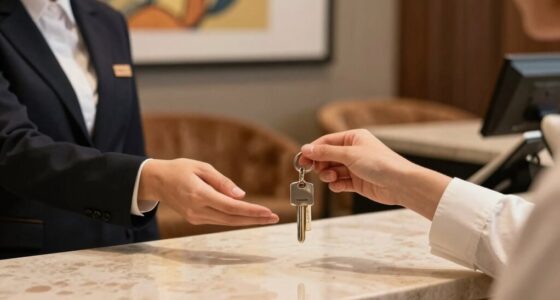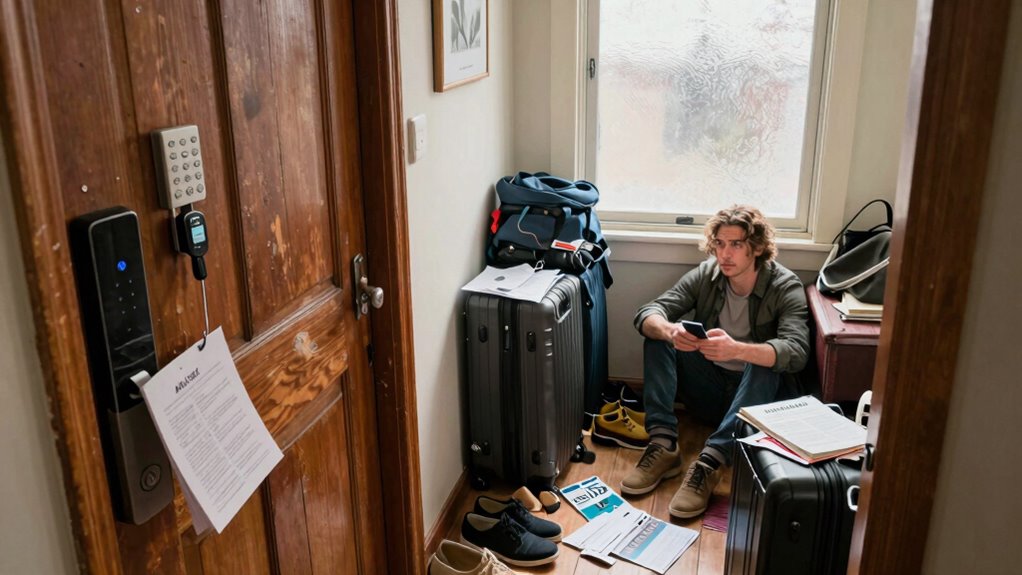

To avoid getting locked out of your Airbnb, confirm all check-in details early, including contact info, instructions, and access codes. Use reliable smart locks or lockboxes, and set up secure, unique codes in advance. Arrive during your scheduled window and stay in touch with your host for updates. Prepare backup access options like spare keys or alternative entry methods. If tech issues happen, stay calm, troubleshoot quickly, and explore your backup plans—there’s more to guarantee a smooth check-in ahead.
Key Takeaways
- Confirm check-in details and access instructions with the host before arrival.
- Use reliable smart locks or lockboxes with programmed, secure access codes.
- Arrive during the scheduled check-in window to avoid lockout risks.
- Keep backup access methods like physical keys or hidden spares ready.
- Stay in contact with the host and have support contacts handy in case of issues.
How to Confirm Your Airbnb Check-In Details Before Arrival
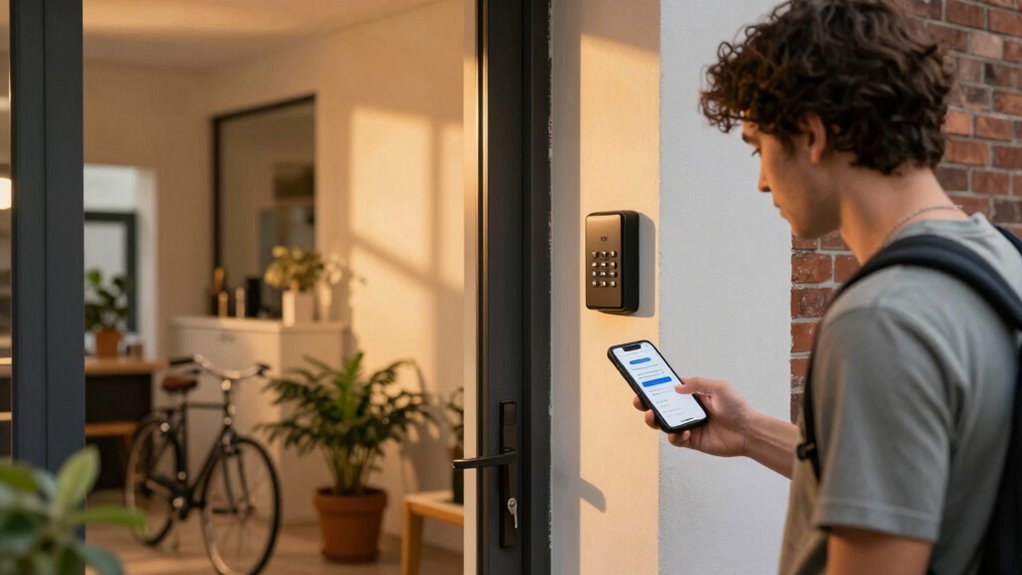
To make certain a seamless check-in experience, verifying your Airbnb details before you arrive is essential. This ensures your travel safety and helps you avoid last-minute surprises. Start by confirming your host’s contact information and check for any special instructions related to check-in procedures. Double-check the address and note nearby landmarks to avoid confusion. Pack essentials like your ID, reservation confirmation, and any necessary access codes or keys. Having these items organized in your bag prevents delays and reduces stress upon arrival. Communicate with your host if you have questions about parking or entry. Additionally, reviewing seasonal weather conditions can help you prepare appropriately for your stay. Familiarizing yourself with digital concepts related to your booking, such as mobile check-in or contactless entry, can further streamline your arrival process. Being aware of smart technology features like keyless entry systems can also help you avoid getting locked out. It’s also helpful to understand local customs to ensure smooth interactions during your check-in. Incorporating modern safety features into your preparations can give you extra peace of mind during your stay. By preparing in advance, you’ll enjoy a smoother transition into your accommodation, making your trip safer, more comfortable, and hassle-free from the moment you step off the plane.
How to Set Up Airbnb Access: Smart Locks, Lockboxes, and Codes
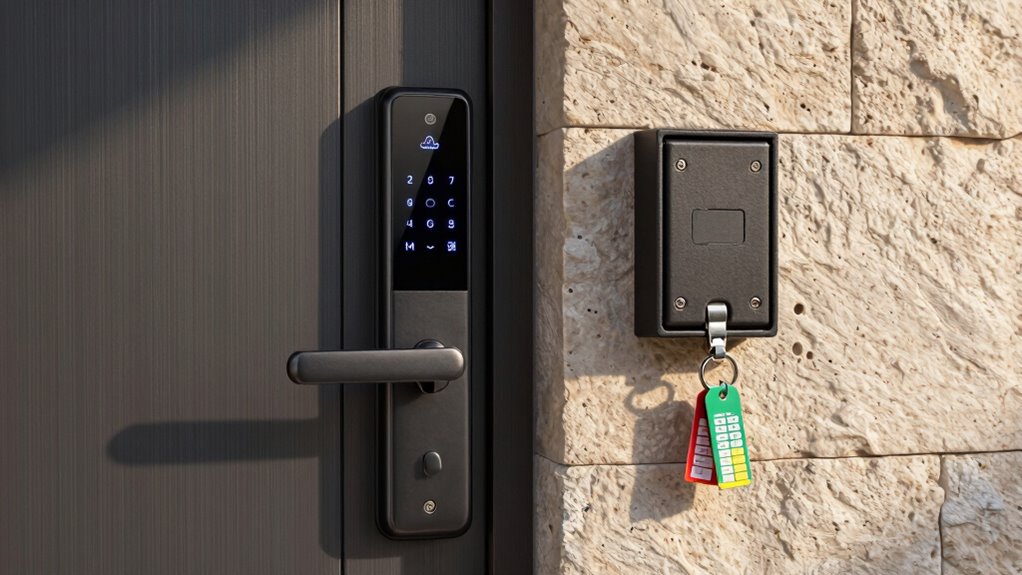
Choosing the right lock is essential to guarantee smooth check-ins, so consider options that are reliable and easy to use. Once you’ve picked a lock, setting up access codes that are simple for guests to remember will prevent confusion. Clear, secure codes make check-ins seamless and reduce the chances of key-related issues. Additionally, providing clear instructions and ensuring your privacy policies are transparent can help build trust with your guests. Being aware of modern family expectations can also influence how you communicate and manage access, creating a more welcoming environment. Incorporating latest security trends can further enhance the safety and convenience of your rental process. Staying informed about technological advancements in locks can also help you select the most secure and user-friendly options available.
Choosing The Right Lock
Selecting the right lock for your Airbnb can make or break the check-in experience. A smart lock offers convenience and control, allowing you to remotely manage access and monitor entries. Look for one with strong code security features to prevent unauthorized entry. Avoid locks with easily guessable codes or outdated security protocols. Consider a model that integrates with your existing systems and provides reliable connectivity. Durable materials and weather resistance are also vital if your property is outdoors or exposed to elements. The right lock should be user-friendly for guests yet secure enough to prevent breaches. Ultimately, choosing a smart lock that balances ease of use with robust security will help ensure smooth check-ins and peace of mind. Incorporating security protocols and staying updated on the latest advancements can further enhance your property’s safety. Additionally, ensuring the lock’s installation process is straightforward can save time and reduce potential issues during setup. Researching security features can help you select a lock that offers optimal protection for your property. Being aware of cybersecurity risks is also important when choosing digital access solutions to prevent potential hacking.
Setting Up Access Codes
Setting up access codes is a crucial step in ensuring smooth check-ins for your Airbnb guests. With keyless entry options like smart locks or lockboxes, you can provide secure, easy access without physical keys. First, choose a system that allows you to generate unique access codes for each guest, increasing security and control. Program the codes ahead of time, making sure they’re easy to remember but hard to guess. Share the access codes with your guests through a secure message, and remind them of the check-in instructions. Regularly update and disable codes after each stay to prevent unauthorized access. Properly setting up access codes helps you avoid lockouts and manage guest access effectively, streamlining check-ins, reducing lockout risks, and offering a seamless experience for your guests.
Common Reasons for Airbnb Lockouts and How to Avoid Them
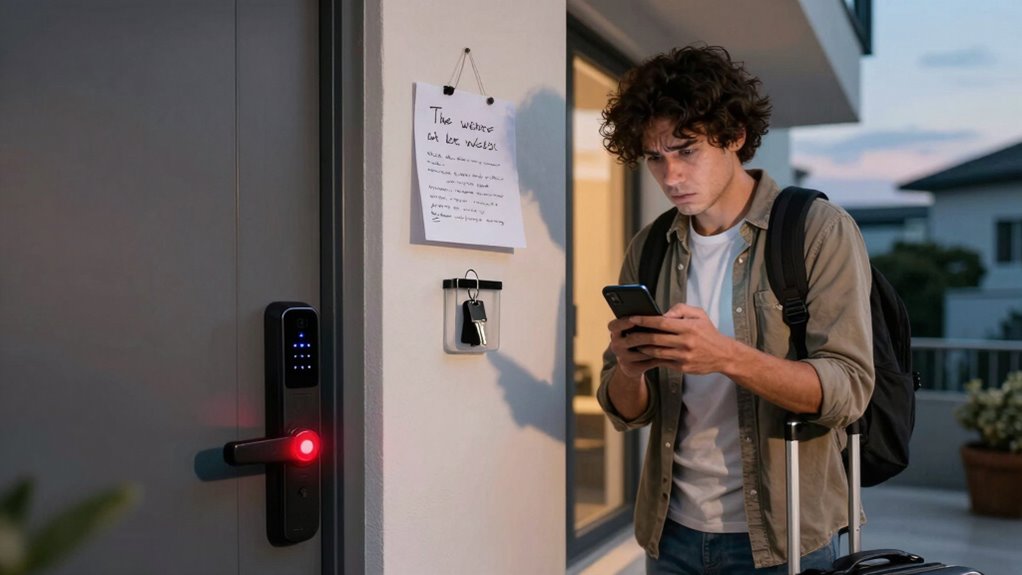
Lockouts at Airbnb properties often happen because guests overlook or misunderstand host instructions, leading to missed check-in details or incorrect entry codes. Poor guest communication can cause confusion about check-in timing, making you arrive too early or too late. If you don’t review instructions carefully or misinterpret the check-in window, you might find yourself locked out. To avoid this, stay in regular contact with your host and confirm your arrival time well in advance. Double-check the check-in instructions provided, including any specific entry codes or procedures. Planning your arrival around the specified check-in window minimizes the risk of lockouts. Being aware of cabling failures and potential technical issues can also prevent unexpected delays or problems during check-in. Paying attention to household safety tips can help you troubleshoot minor issues that may arise during your stay. Regularly inspecting your body jewelry and ensuring it is properly secured can help avoid unnecessary complications during check-in or your stay. Clear communication and attention to detail are your best defense against getting locked out of your Airbnb. Understanding media literacy principles can help you better interpret host messages and instructions.
What to Do When Tech Fails or Delays Happen Last Minute
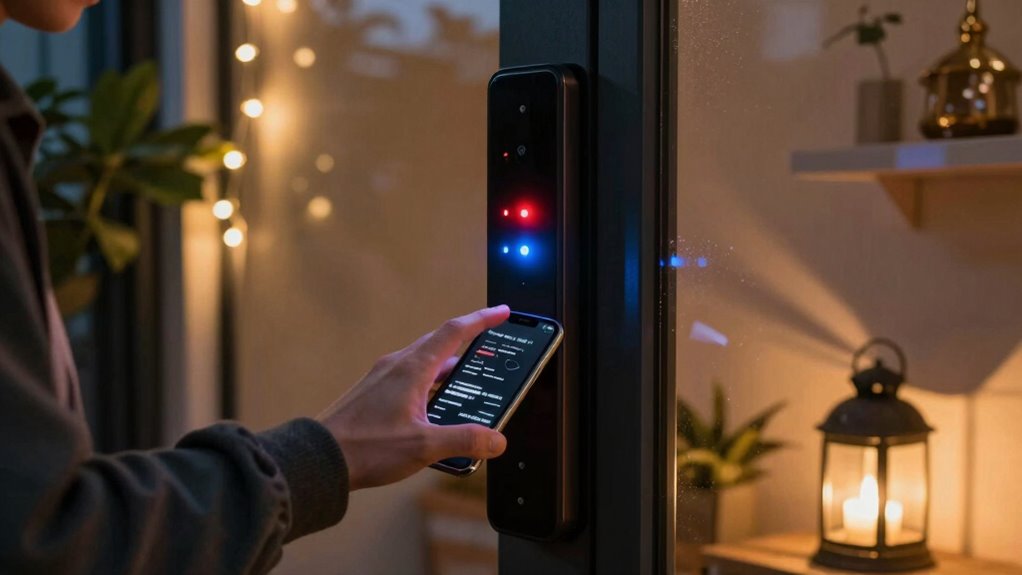
When tech issues strike last minute, having a backup plan is essential. Keep a portable battery pack ready to power your devices and make certain you can access keys or contact your host. Act quickly by reaching out to your host for guidance and alternative check-in options. Additionally, consider installing or utilizing smart home safety devices like smart locks or alerts that can help you manage access remotely if needed. Being familiar with noise reduction solutions can also prevent misunderstandings if communication becomes difficult during such disruptions.
Battery Backup Options
Tech failures or last-minute delays can quickly throw off your plans, but having a reliable battery backup can save the day. Portable chargers and backup batteries guarantee you stay connected when your device runs out of juice. To be prepared, consider these options:
- Keep a fully charged portable charger in your bag for on-the-go power.
- Invest in a high-capacity backup battery for longer-lasting support during delays.
- Use power banks with quick-charging capabilities to minimize downtime.
- Regularly check and recharge your backup power sources to ensure they’re ready when needed.
- Choosing a backup power source with efficient energy management can help ensure your display remains bright and clear, even during unexpected outages. Additionally, selecting power sources compatible with your device’s power requirements can prevent compatibility issues during critical moments. Being aware of your device’s power consumption helps you select the most appropriate backup options.
Having these backups means you can access apps, communicate with hosts, or open smart locks without stress. Properly maintaining your home automation devices can also prevent unexpected failures during critical moments.
Contacting Hosts Quickly
Unexpected delays or tech failures can leave you scrambling for a way to reach your host quickly. To avoid last-minute stress, familiarize yourself with the host communication channels before check-in. Save their phone number, email, or messaging app details in case the app fails. Review the check-in procedures ahead of time so you know exactly what to do if digital communication drops. If you experience delays, don’t hesitate to call or text directly, as most hosts appreciate prompt contact. Keep your device charged and have backup options, like a portable charger, handy. Staying proactive ensures you can troubleshoot issues swiftly, reducing the risk of getting locked out or missing critical instructions. Clear, quick host communication is your best safeguard against check-in chaos. Understanding automotive performance parts can also help you approach travel upgrades with confidence, ensuring smoother experiences overall.
How to Fix Check-In Problems If Codes Don’t Work or You’re Locked Out
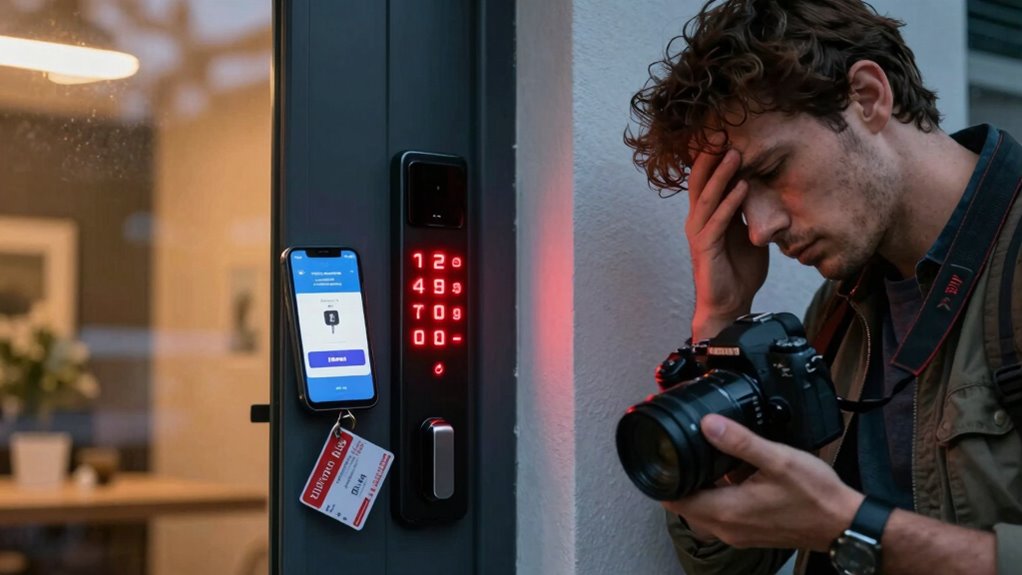
If your Airbnb code isn’t working or you find yourself locked out, don’t panic. First, try contacting the host immediately through the app or guest communication channels. If they don’t respond quickly, consider these steps:
- Double-check the code for typos or recent updates from the host.
- Review any messages about cleaning procedures—sometimes hosts disable access during cleaning.
- If you still can’t get in, see if there’s an alternative entry method, like a hidden key or lockbox.
- Remember that understanding style and appearance can influence how hosts and neighbors perceive your situation and may affect their willingness to help.
Remaining calm helps you think clearly. Keep trying to reach your host, and avoid forcing entry, which could cause damage. Staying patient and following these steps ensures you resolve check-in issues efficiently.
What Immediate Steps to Take If You Get Locked Out During Check-In
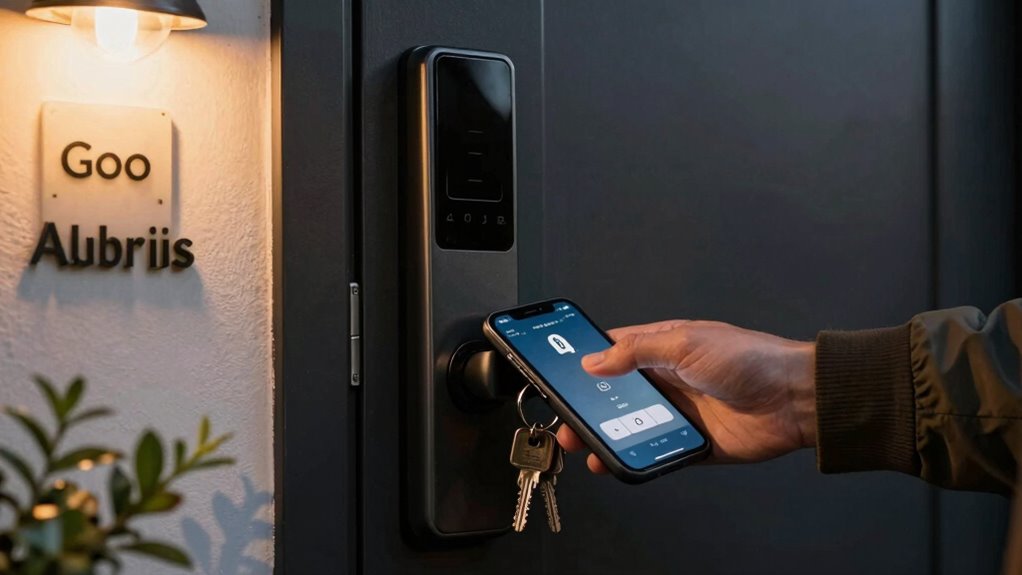
Getting locked out during check-in can be stressful, especially if you’re unable to access your accommodation as planned. Your first step is to stay calm and quickly contact your host through the guest communication channels provided. Be polite and clear about your situation, following check-in etiquette to avoid misunderstandings. If you have their phone number or messaging app, call or message immediately. Check for any last-minute instructions or updates they might have sent. If you don’t get a response within a few minutes, consider reaching out to Airbnb’s support team for assistance. While waiting, review any confirmation emails for additional contact info or instructions. Staying proactive and respectful helps resolve the issue faster and demonstrates good guest communication.
Tips for a Smooth Airbnb Check-In and Preventing Lockouts in Future
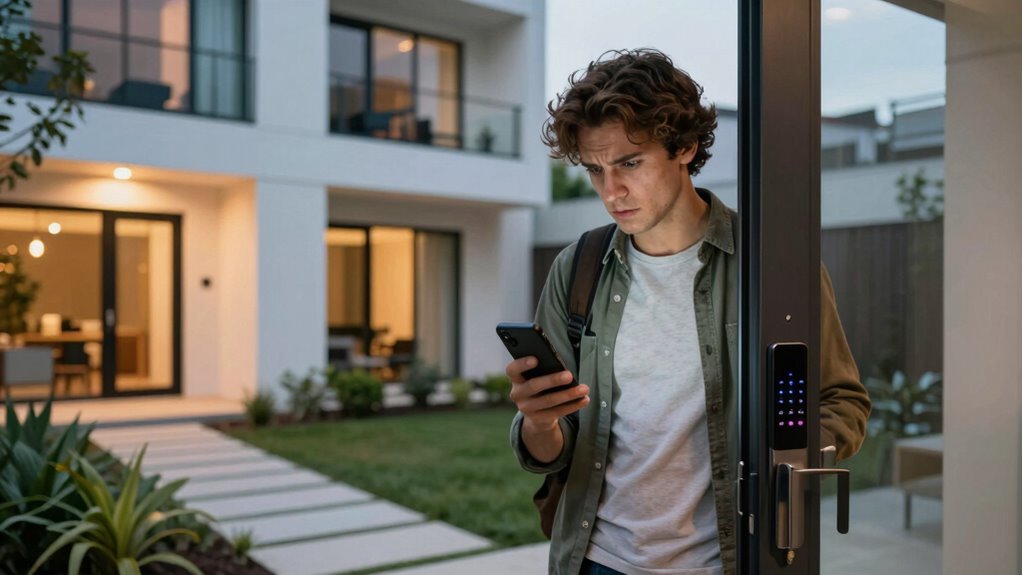
To guarantee a smooth Airbnb check-in experience and avoid lockouts, it’s essential to prepare in advance and communicate clearly with your host. This helps ensure travel safety and luggage security. Here are three tips:
- Confirm check-in details early, including door codes or key pickup instructions.
- Keep a digital record of important info like contact numbers and access codes.
- Arrive during the agreed time window to prevent unnecessary stress or lockouts.
Additionally, ask your host if there are specific safety tips or secure places to store luggage temporarily. Staying organized and maintaining open communication minimizes the risk of getting locked out, helps you feel secure, and ensures your belongings stay safe during your stay.
Frequently Asked Questions
Can I Access My Airbnb Without a Smartphone or Internet?
Yes, you can access your Airbnb without a smartphone or internet by arranging manual entry. Contact your host beforehand to set up a key pickup or a lockbox code. Some hosts provide physical keys or codes for keyless entry, allowing you to check in smoothly without relying on technology. Always confirm these details in advance to avoid last-minute surprises and make sure you can access your accommodation easily.
What Safety Precautions Should I Take During Self-Check-In?
Your safety is vital, so don’t underestimate the power of vigilance—your peace of mind depends on it. When doing self-check-in, always make certain the keypad security code is kept confidential and change it if you suspect tampering. Avoid sharing codes and double-check that locks aren’t tampered with before entering. Keep a close eye on your surroundings, and report any suspicious activity immediately to prevent lock tampering or unauthorized access.
How Do I Handle a Lost or Forgotten Access Code?
If you’ve lost or forgotten your access code, start with access code recovery by checking your messages or the app for the code. If it’s not there, contact your host promptly for assistance. Be sure to verify your identity if needed. Staying calm and reaching out quickly helps avoid delays, ensuring you can get inside smoothly. Always keep your contact info handy for such emergencies.
Are There Backup Options if the Lockbox or Smart Lock Fails?
When it’s said, “Better safe than sorry,” having backup options is vital. If your lockbox or smart lock fails, you should have backup keys stored securely or a manual entry code provided by your host. Contact your host immediately for assistance, and avoid relying solely on digital access. Keep a backup plan ready, like a spare key hidden safely, to guarantee you can always get inside without stress.
How Early or Late Can I Check in Without Issues?
You can usually check in early or late, but it depends on the host’s check-in timing and policies. Always communicate your arrival time in advance to verify if early or late check-in is permitted. Many hosts have specific policies for these times, so understanding their rules helps avoid issues. If you need flexibility, ask ahead to ensure your plans align with their check-in policies.
Conclusion
By staying prepared and double-checking your details, you’ll glide through your Airbnb check-in like a smooth melody, avoiding the discord of lockouts. Embrace smart access tools and have backup plans ready, so any tech hiccup won’t ruin your rhythm. With a little foresight and quick thinking, your stay will flow seamlessly—turning potential chaos into a calm, confident dance through your new space. Keep these tips close, and let your trip sing!